VigorIPPBX 3510 Series User’s Guide
60
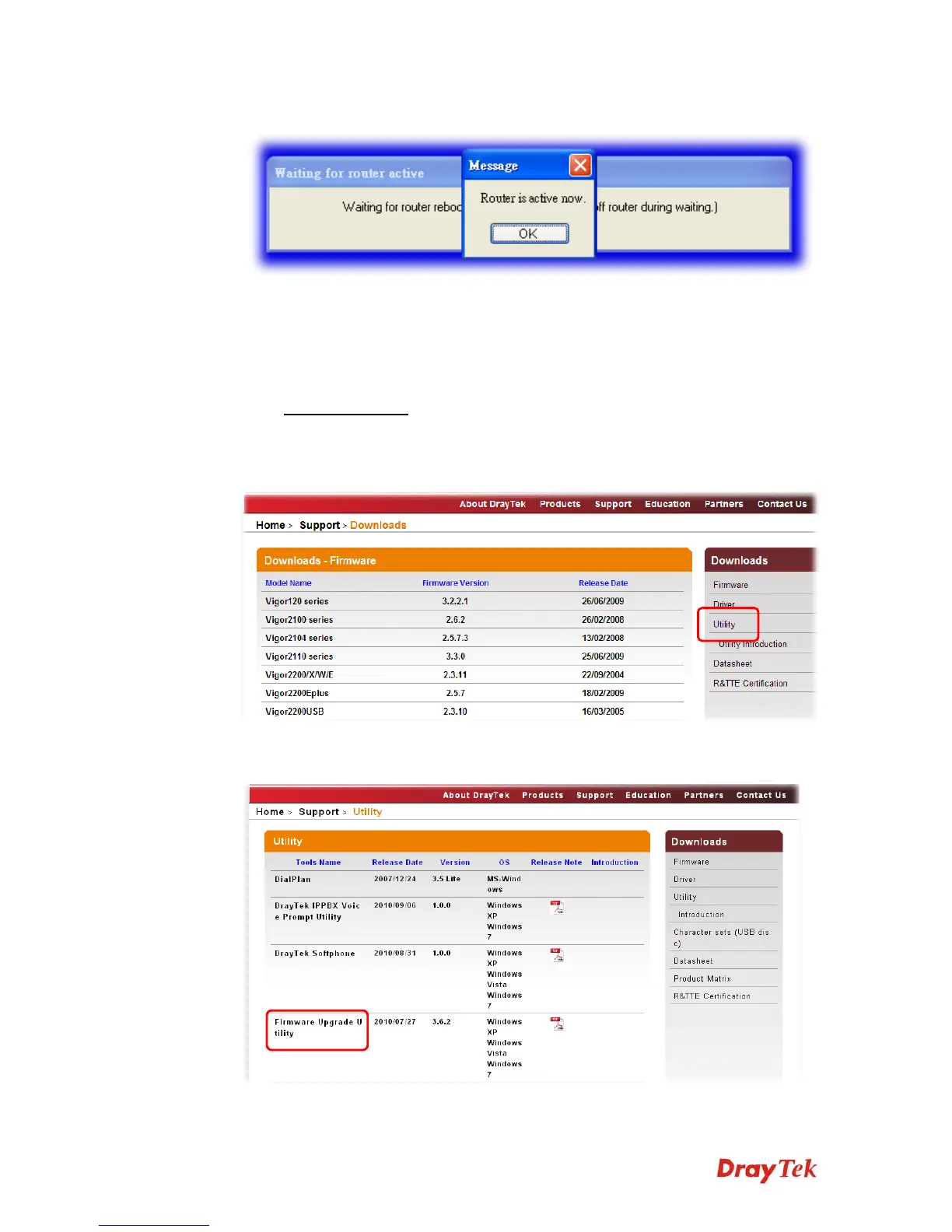
8. Please wait for several minutes. When the following dialog appear, please click OK.
9. Now, the firmware upgrade has been finished.
4
4
.
.
6
6
B
B
a
a
c
c
k
k
u
u
p
p
a
a
n
n
d
d
R
R
e
e
s
s
t
t
o
o
r
r
e
e
S
S
e
e
t
t
t
t
i
i
n
n
g
g
s
s
f
f
o
o
r
r
V
V
i
i
g
g
o
o
r
r
I
I
P
P
P
P
B
B
X
X
3
3
5
5
1
1
0
0
4
4
.
.
6
6
.
.
1
1
B
B
a
a
c
c
k
k
u
u
p
p
t
t
h
h
e
e
C
C
o
o
n
n
f
f
i
i
g
g
u
u
r
r
a
a
t
t
i
i
o
o
n
n
S
S
e
e
t
t
t
t
i
i
n
n
g
g
s
s
1. Go to www.draytek.com.
2. Access into Support >> Downloads. Please find out Utility menu and click it. Search
the model you have (i.e., VigorIPPBX 3510) and click on it to download the newly
update firmware for your router.
3. Click on the link of Firmware Upgrade Utility to download the tool. After
downloading the file, please decompressed it onto your host.



 To Next Page