VigorIPPBX 3510 Series User’s Guide
59
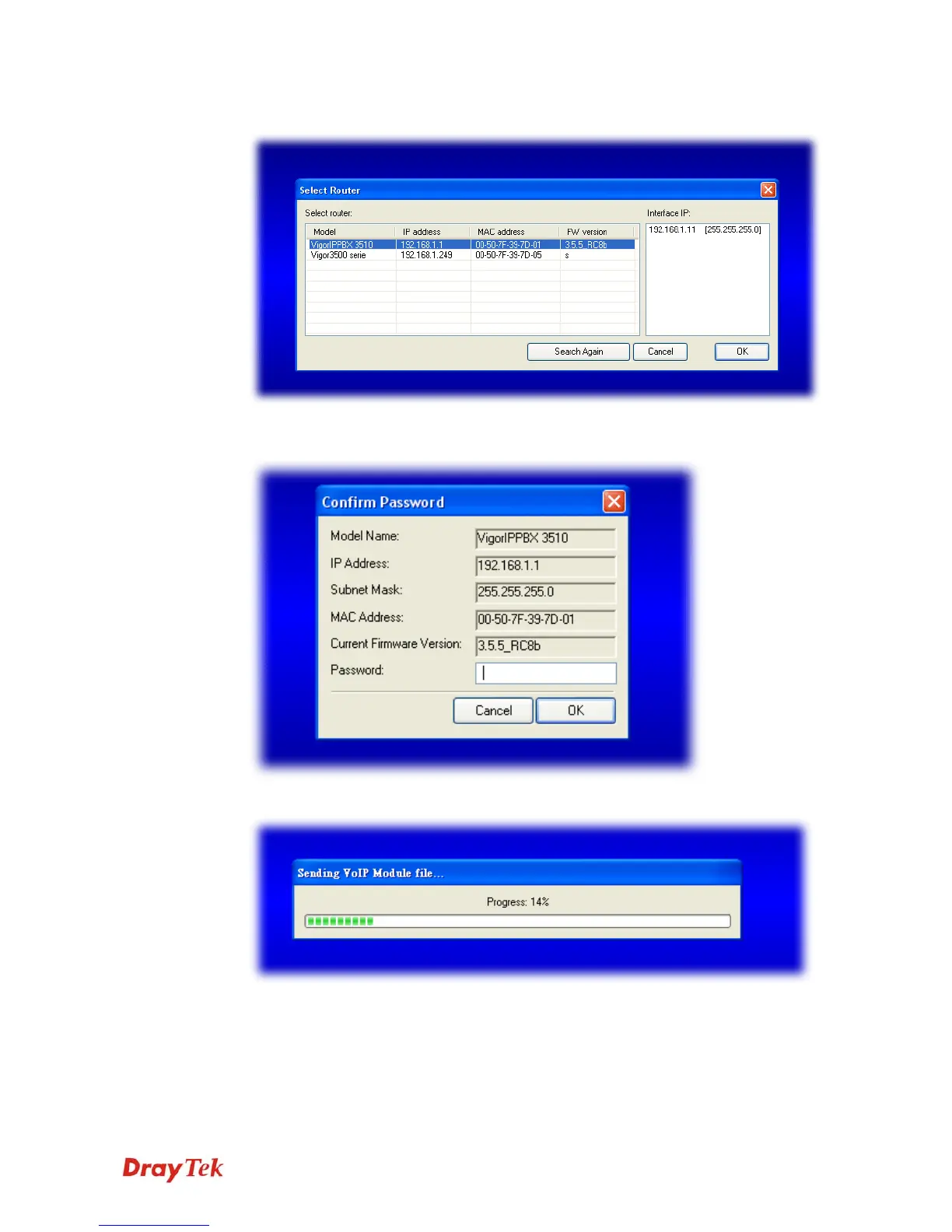
5. In the dialog of Select Router, choose VigorIPPBX 3510 and click OK.
6. In the Confirm Password dialog, please type the password that you use to login Vigor
router and click OK. If there is no password needed, click OK directly.
7. Next, the system will start to upgrade the firmware for the router automatically.



 To Next Page