VigorIPPBX 3510 Series User’s Guide
114
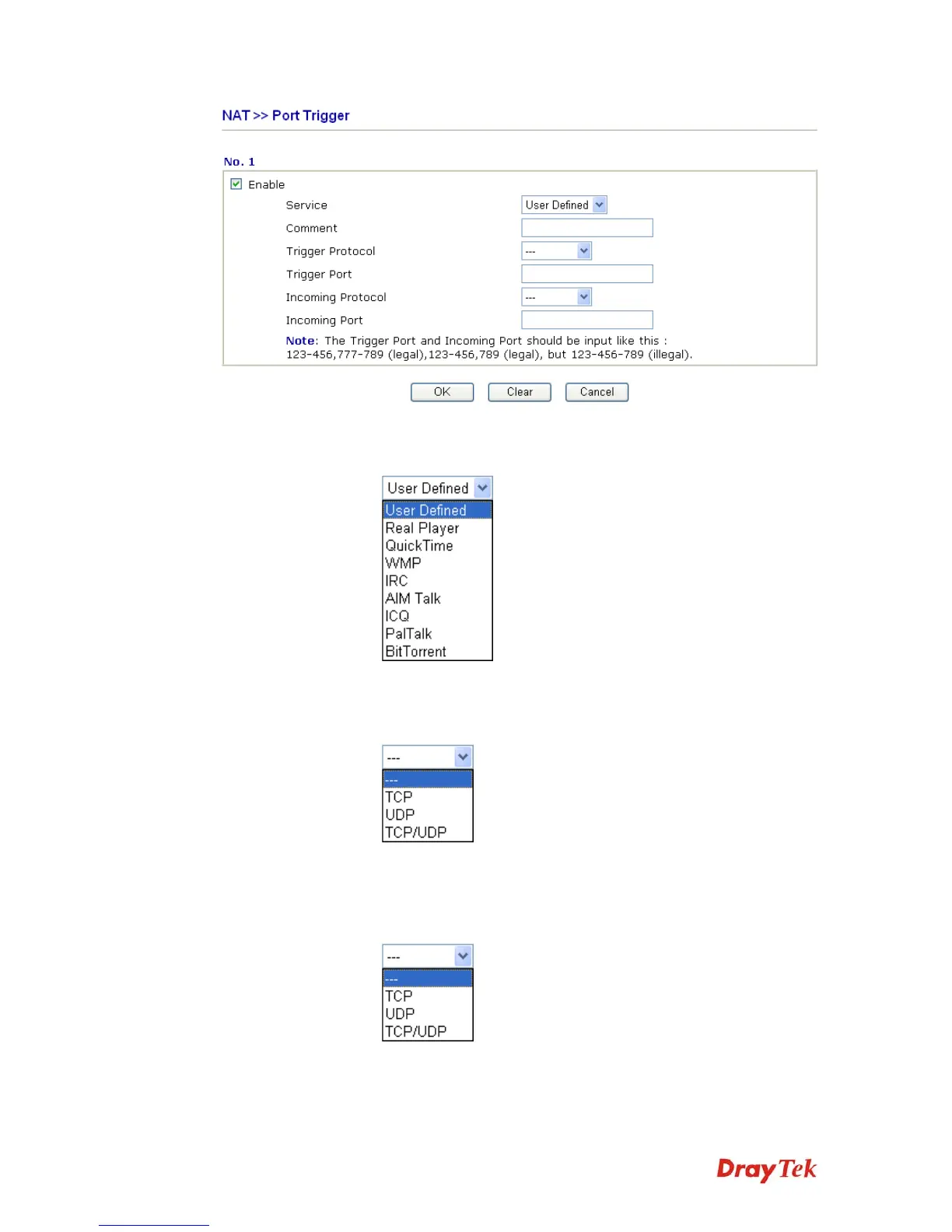
Enable Check to enable this entry.
Service Choose the predefined service to apply for such trigger profile.
Comment Type the text to memorize the application of this rule.
Trigger Protocol Select the protocol (TCP, UDP or TCP/UDP) for such trigger
profile.
Trigger Port Type the port or port range for such trigger profile.
Incoming Protocol When the trigger packets received, it is expected the incoming
packets will use the selected protocol. Select the protocol (TCP,
UDP or TCP/UDP) for the incoming data of such trigger profile.
Incoming Port Type the port or port range for the incoming packets.



 To Next Page