VigorIPPBX 3510 Series User’s Guide
146
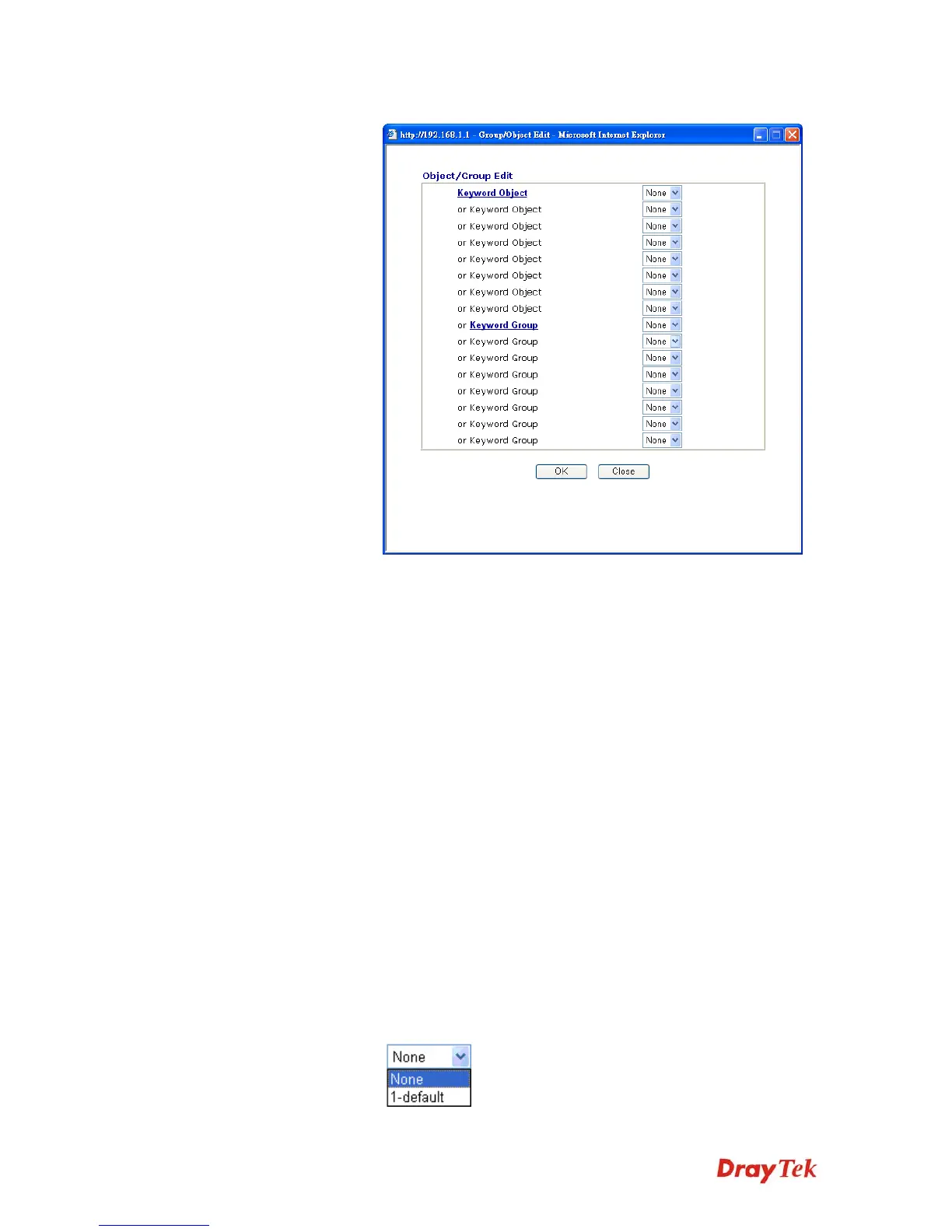
keyword list, the more efficiently the Vigor router perform.
Web Feature Enable Restrict Web Feature - Check this box to make the
keyword being blocked or passed.
Action - This setting is available only when Either : URL Access
Control First or Either : Web Feature Firs is selected. Pass
allows accessing into the corresponding webpage with the
keywords listed on the box below.
Pass - Allow accessing into the corresponding webpage with the
keywords listed on the box below.
Block - Restrict accessing into the corresponding webpage with the
keywords listed on the box below.
If the web pages do not match with the specified feature set here, it
will be processed with reverse action.
Cookie - Check the box to filter out the cookie transmission from
inside to outside world to protect the local user's privacy.
Proxy - Check the box to reject any proxy transmission. To control
efficiently the limited-bandwidth usage, it will be of great value to
provide the blocking mechanism that filters out the multimedia
files downloading from web pages.
File Extension Profile – Choose one of the profiles that you
configured in Object Setting>> File Extension Objects
previously for passing or blocking the file downloading.



 To Next Page