VigorIPPBX 3510 Series User’s Guide
186
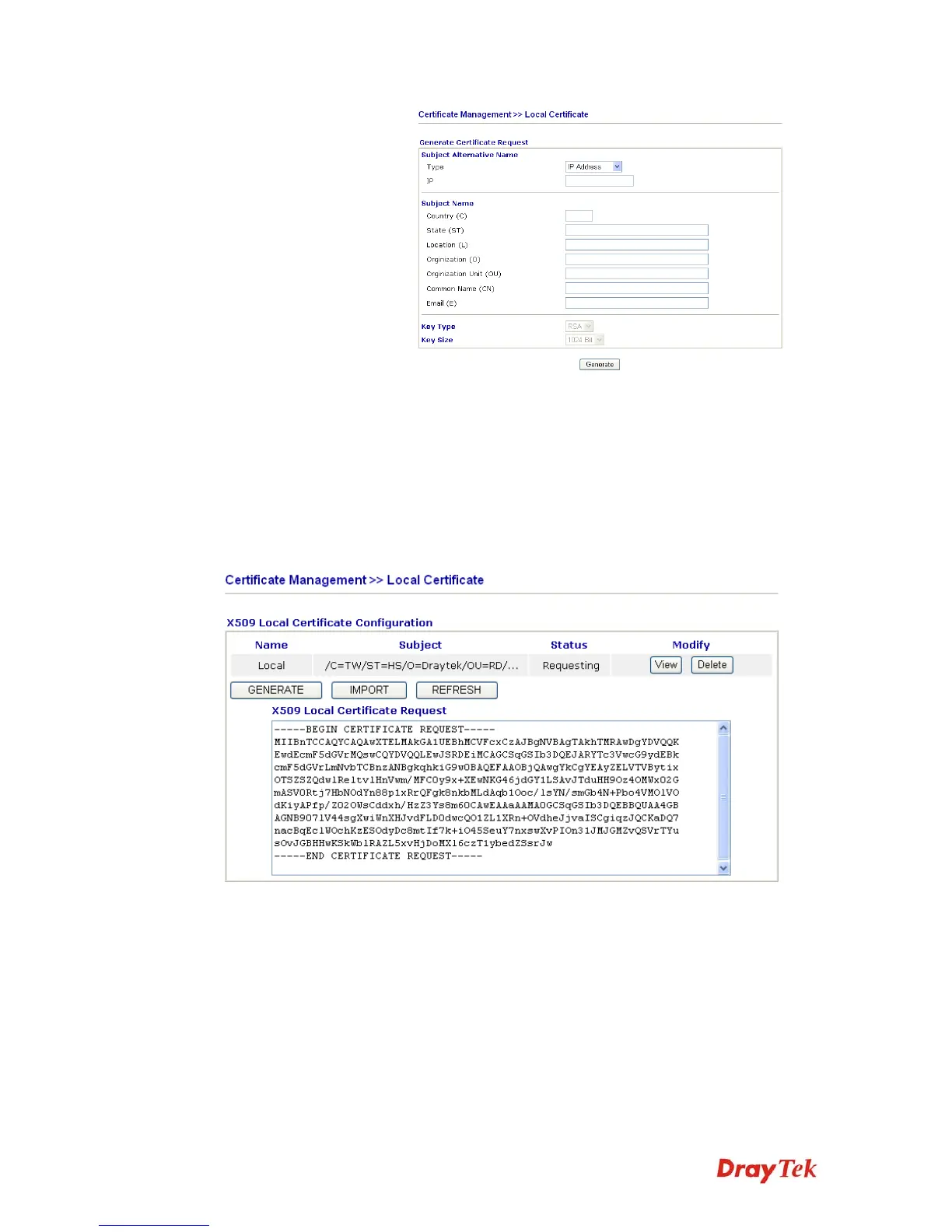
Type in all the information that the window request. Then
click Generate again.
Import Click this button to import a saved file as the certification
information.
Refresh Click this button to refresh the information listed below.
View Click this button to view the detailed settings for certificate
request.
After clicking Generate, the generated information will be displayed on the window below:



 To Next Page