VigorIPPBX 3510 Series User’s Guide
200
Backup Route
It will be triggered when the original route is not registered
or receives failed response.
5
5
.
.
1
1
1
1
.
.
3
3
.
.
2
2
P
P
h
h
o
o
n
n
e
e
B
B
o
o
o
o
k
k
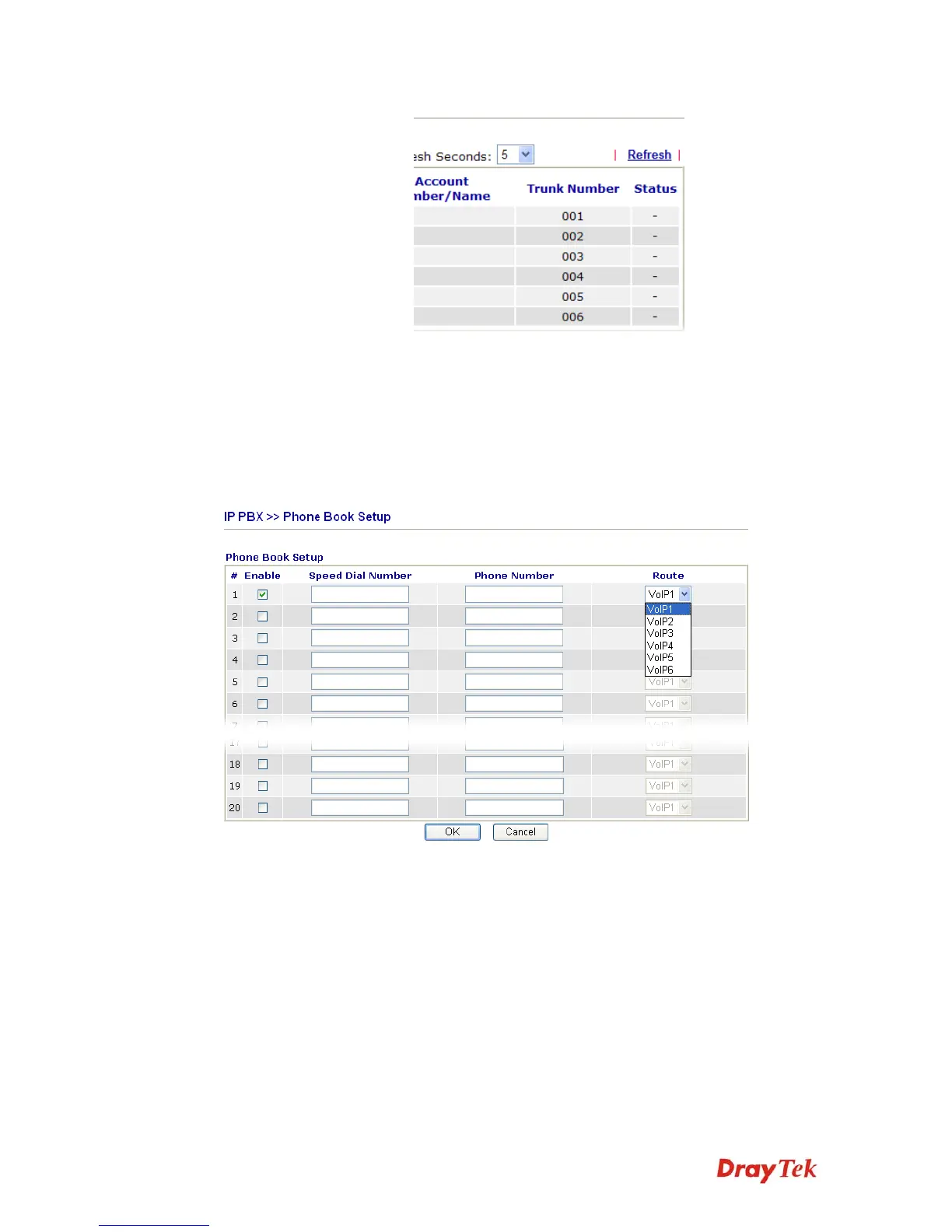
In this section, you can set your VoIP contacts in the “phonebook”. It can help you to make
calls quickly and easily by using Speed Dial Number. There are total 20 index entries in the
phonebook for you to store all your friends and family members’ phone numbers.
Enable
Check the box to enable the entry.
Speed Dial Number
Type the digit number (maximum 6) in this field which can
dial to the client with the phone number specified later.
Phone Number
Type the complete phone number (maximum 19) for the
client that you want to dial out.
Route
Choose the interface (from VoIP 1 to VoIP 6) for the phone
call to dial out.



 To Next Page