VigorIPPBX 3510 Series User’s Guide
211
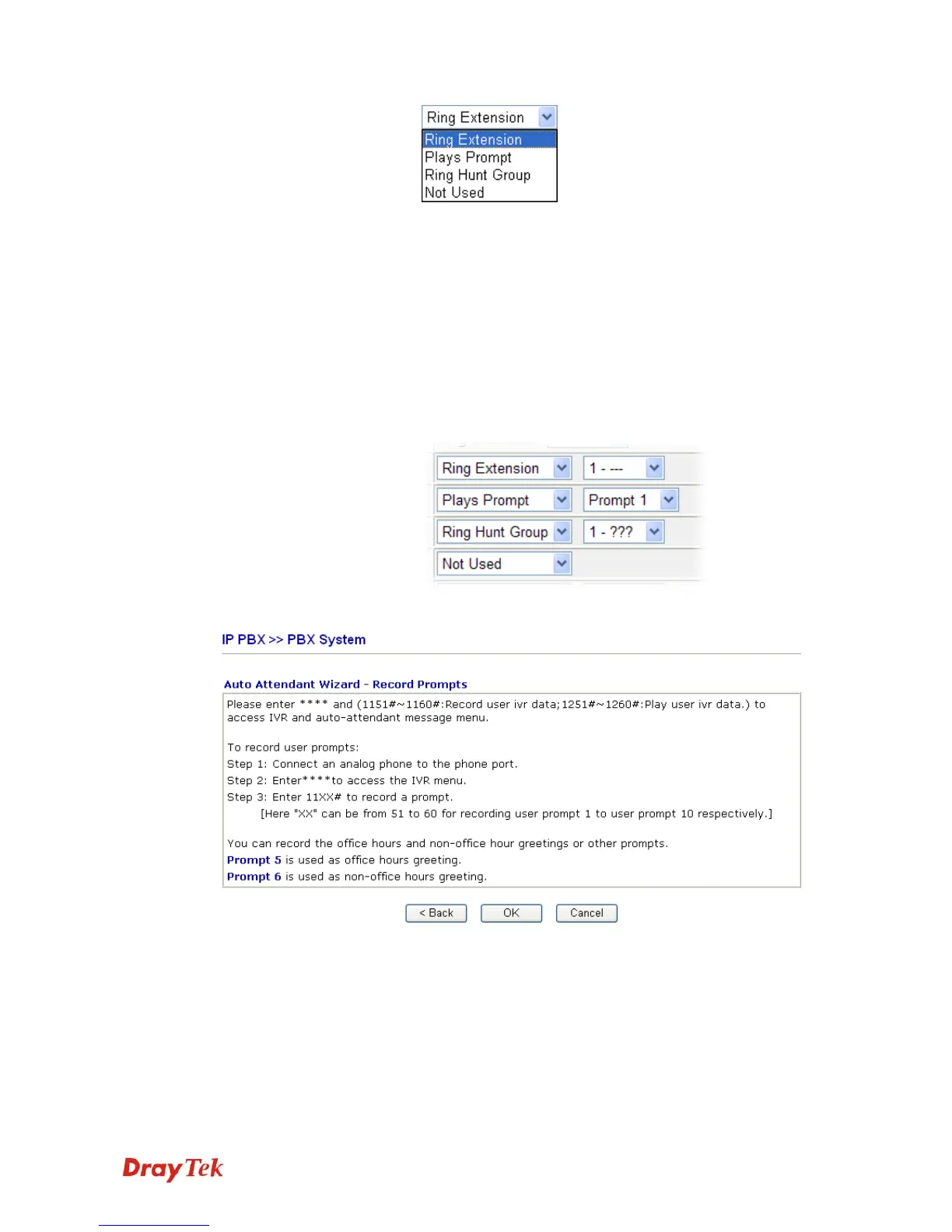
Ring Extension - Only the extension number selected
here will ring.
Plays Prompt - Audio file will be played automatically.
Ring Hunt Group – Only the extension number within
the Hunt Group will ring.
Not Used – Nothing will be done for the key.
Drop down menu 2 contains extension name (ex. Tom,
Mike)] or prompt [Prompt 1~ Prompt 10, audio files] or
Hunt Group Name [(ex. Sales, RD2)]. It will be changed
according to drop down menu 1.
Finally, the following window will appear.



 To Next Page