VigorIPPBX 3510 Series User’s Guide
240
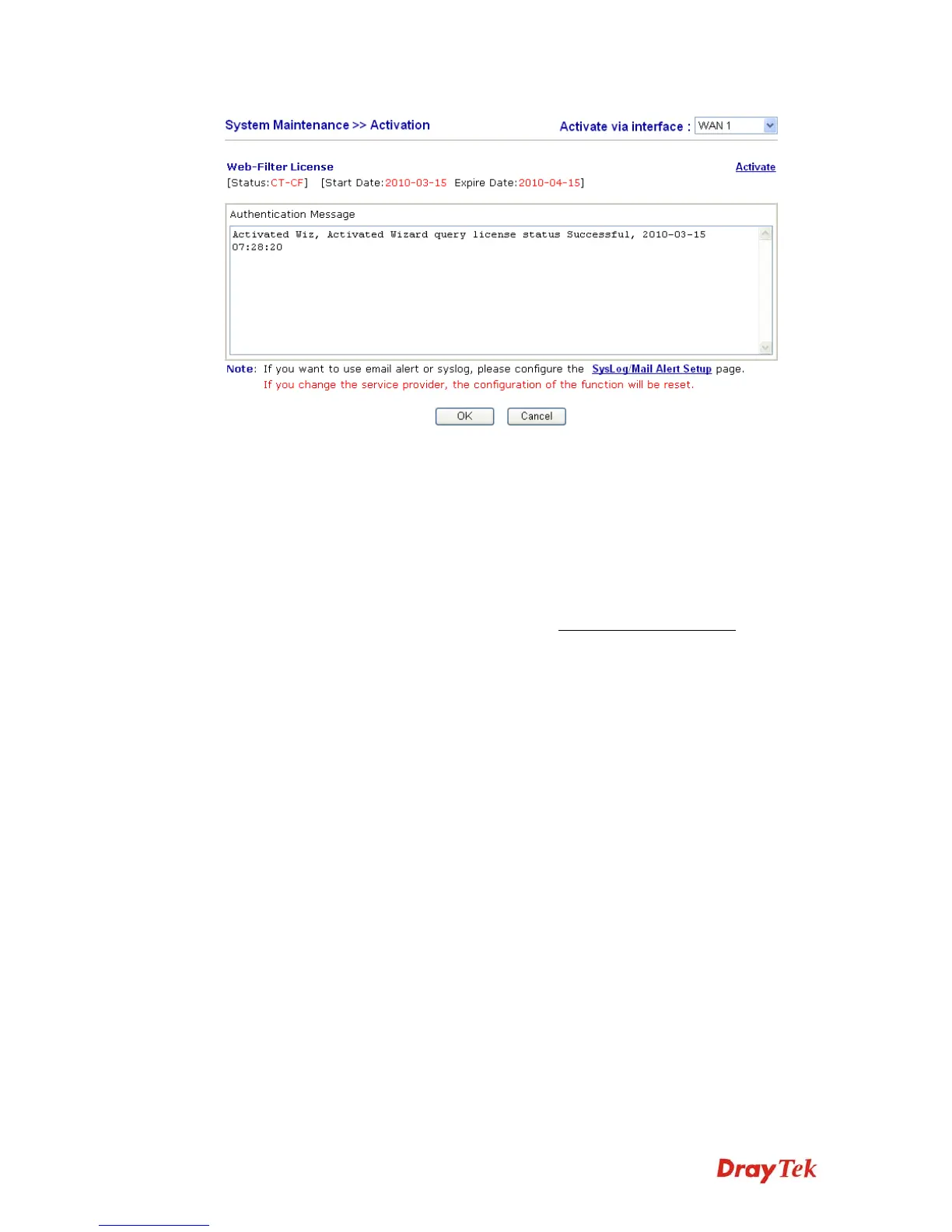
Activate via interface
Use the drop down menu to choose the interface for accessing the
server.
Status
Display the mechanism (represented with code number, e.g.,
CT-CF) adopted by such router.
Start Date
Display the starting date of WCF license activated successfully.
Expire Date
Display the ending date of WCF license activated successfully.
Activate
Click this link to access into http://myvigor.draytek.com
for
activating WCF function.



 To Next Page