VigorIPPBX 3510 Series User’s Guide
19
Obtain an IP
address
automatically
Click it to obtain the IP address automatically.
Specify an IP
address
Click it to specify some data manually.
IP Address – Type the IP address.
Subnet Mask – Type the subnet mask
Gateway – Type the gateway of the router.
Primary DNS – Type the primary DNS address
Secondary DNS – Type the secondary DNS if required.
PPTP/L2TP Server – Type the IP address of the PPTP/L2TP
Server.
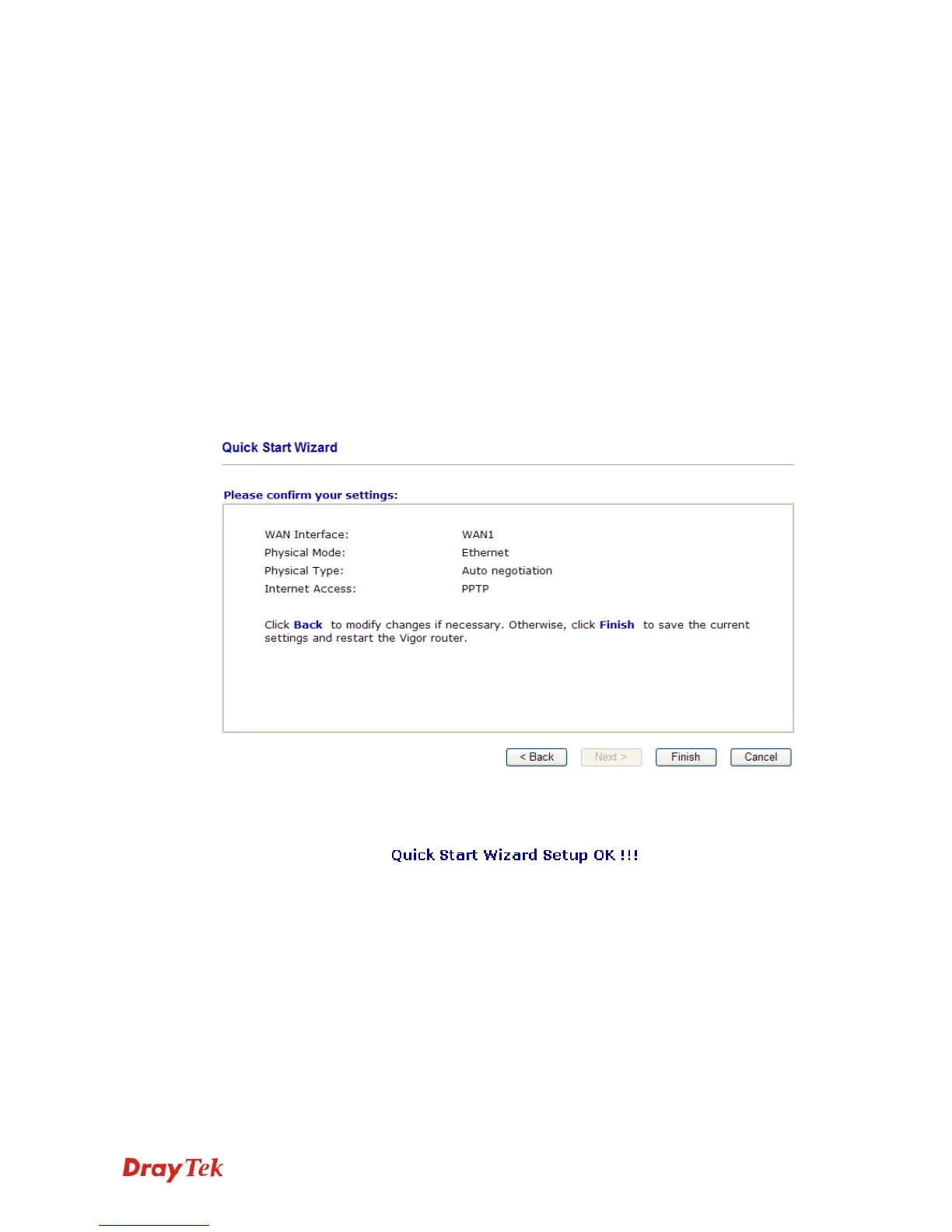
Click Next for viewing summary of such connection.
Click Finish. A page of Quick Start Wizard Setup OK!!! will appear. Then, the system
status of this protocol will be shown.



 To Next Page