VigorIPPBX 3510 Series User’s Guide
55
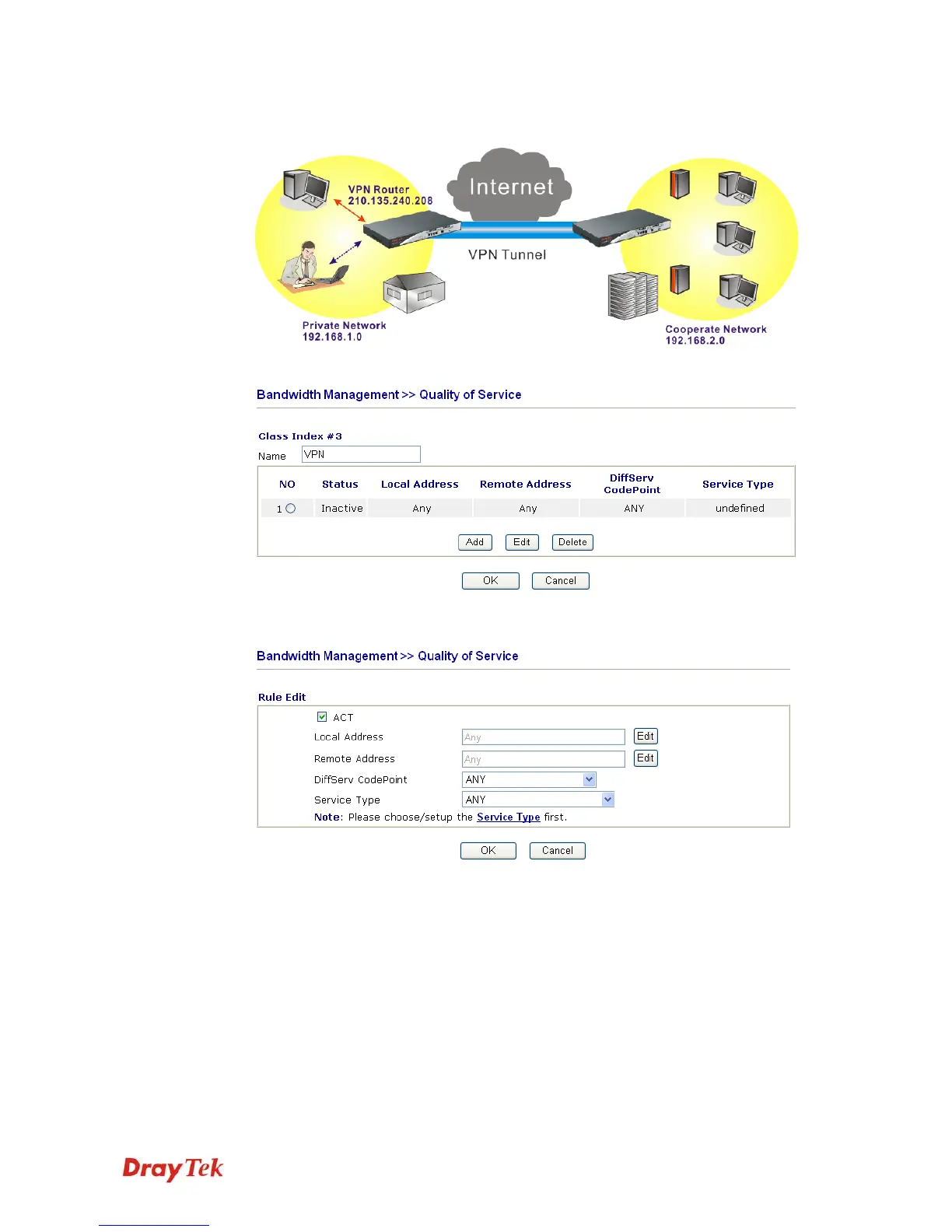
Class Name of Index 3. In this index, he will set reserved bandwidth for 1 VPN tunnel.
9. Click Edit to open the following window. Check the ACT box, first.
10. Then click Edit of Local Address to set a worker’s subnet address. Click Edit of
Remote Address to set headquarter’s IP address. Leave other fields and click OK.



 To Next Page