VigorIPPBX 3510 Series User’s Guide
79
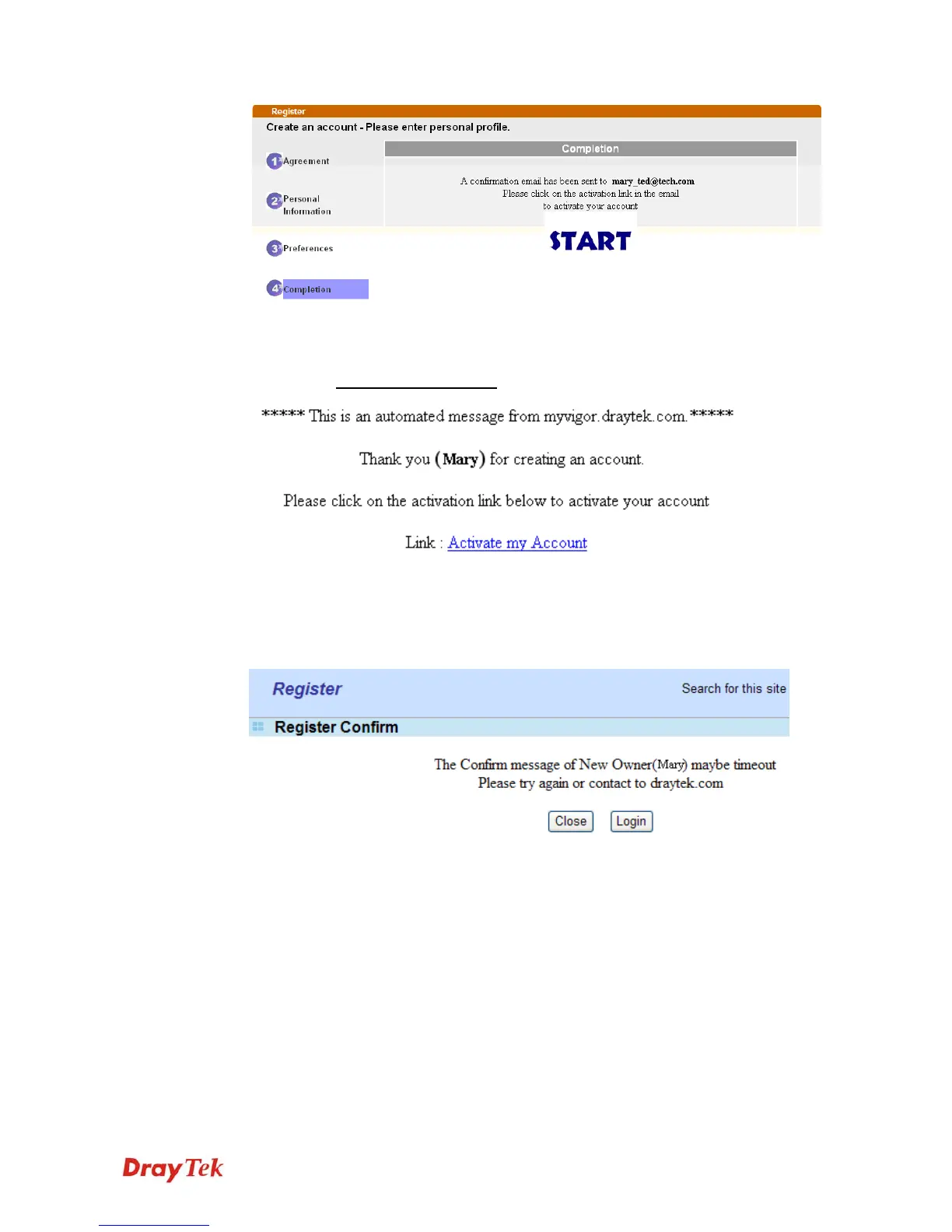
6. Check to see the confirmation email with the title of
New Account Confirmation
Letter from myvigor.draytek.com.
7. Click the Activate my Account link to enable the account that you created. The
following screen will be shown to verify the register process is finished. Please click
Login.
8. When you see the following page, please type in the account and password (that you just
created) in the fields of UserName and Password. Then type the code in the box of
Auth Code according to the value displayed on the right side of it.



 To Next Page