EasyManua.ls Logo

Dremel 3D40 FLEX - Touch Screen Icons

Dremel 3D40 FLEX
Print Icon
To Next Page IconTo Next Page
To Previous Page IconTo Previous Page
Loading...
DREMEL 3D40 IDEA BUILDER
FIRMWARE VERSION:
USAGE COUNTER:
PRINTER STATUS:
MAC:
BACK
HOME
ABOUT

version, usage counter, printer status, and MAC
address.
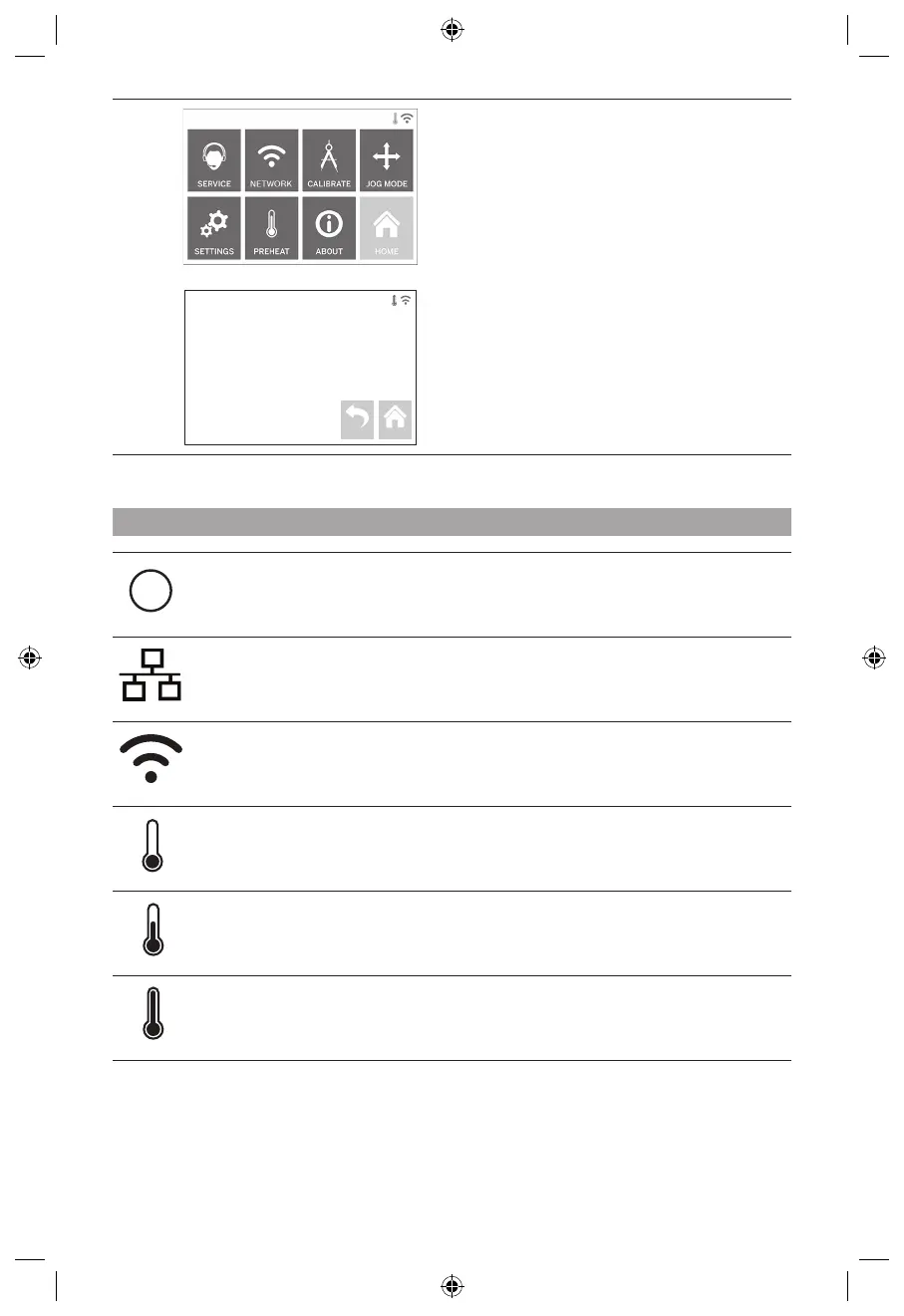
TOUCH SCREEN ICONS
!

Indicates that Ethernet is connected.

Indicates that the extruder is cool.

Indicates that the extruder is hot.
INITIAL SETUP




1. 
on the initial setup screen. If you decline this setup
you can always setup network later.
2. 
connect to your ethernet or search for available
wireless networks.
3. Choose your wireless network using the
touchscreen. Use the arrows to scroll through the
list of available wireless networks. When your

4. Enter your wireless network password and tap

16

Table of Contents

Other manuals for Dremel 3D40 FLEX

Related product manuals