EasyManua.ls Logo

Dremel 3D40 FLEX - Touch Screen

Dremel 3D40 FLEX
Print Icon
To Next Page IconTo Next Page
To Previous Page IconTo Previous Page
Loading...
6. 
7. 
Tip: Keep packaging for future transportation
and storage.
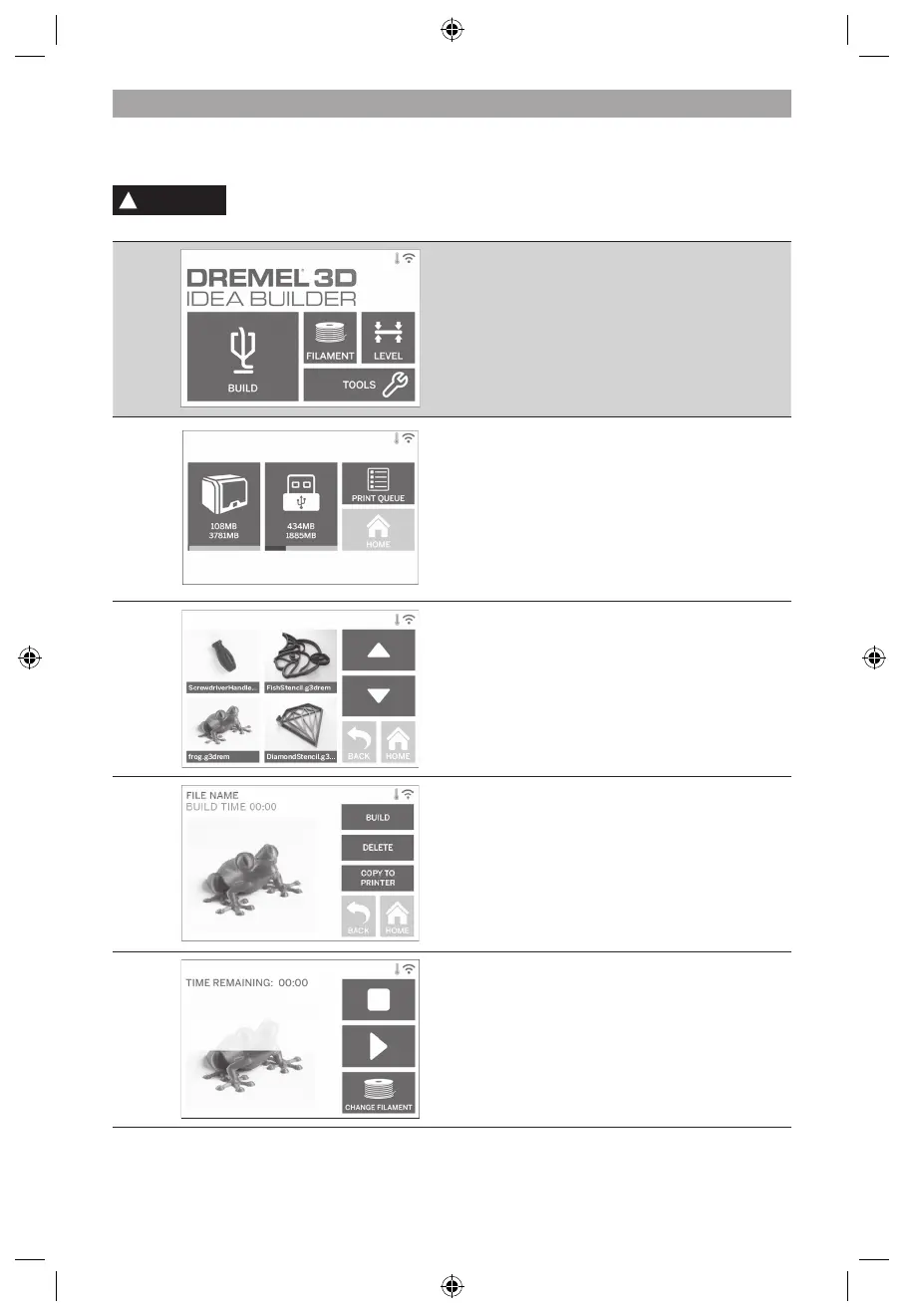
TOUCH SCREEN


!
WARNING
OBSERVE ALL PROVIDED WARNINGS AND SAFETY INSTRUCTIONS WHEN USING THE

PROPERTY DAMAGE OR PERSONAL INJURY.
BUILD

(See page 545 for detailed build instructions)
BUILD MENU


MODEL MENU


FILE DETAILS
BUILD – Tap to begin build process.
DELETE

COPY TO PRINTER 

BUILD STATUS
STOP – Tap to cancel the current build process.

build process. Pause will allow you to access the

CHANGE FILAMENT


533

Table of Contents

Other manuals for Dremel 3D40 FLEX

Related product manuals