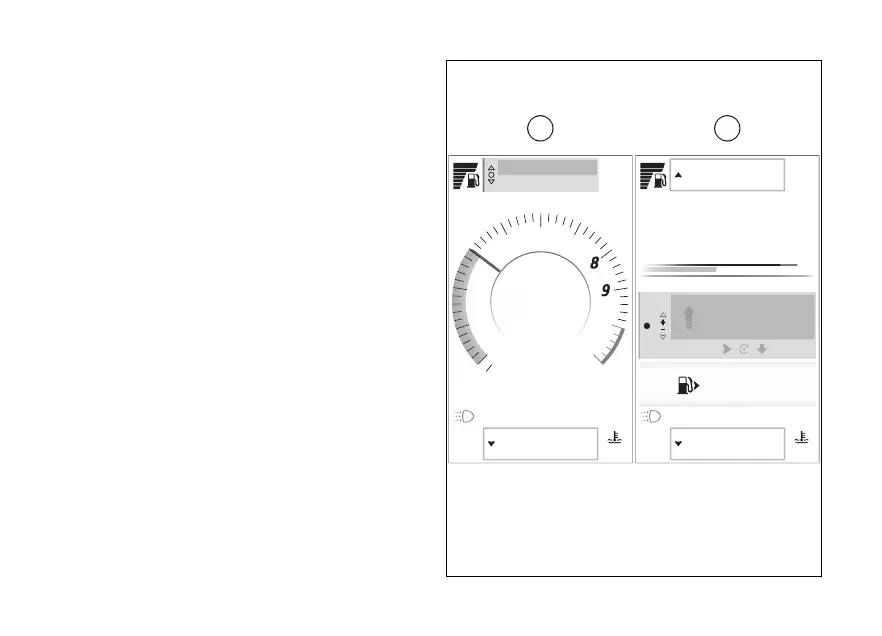
Main page items
The instrument panel has two main screen display
modes, in which all the information and elements
necessary for riding are shown: the "Full" screen (A)
and the "Rally" screen (B).
The display modes are associated by default with the
Riding Modes (see page 114) as follows:
●
"Full" for the Touring, Urban, and
Wet Riding Modes.
●
"Rally" for the Rally and Enduro Riding Modes.
To change the display mode of the current Riding
Mode, see page 200.
To change the displayed units of measurement, see
page 244.
You can also set the screens in "Light" or "Dark"
mode, see page 214.
The items available for “Full” and “Rally” modes are
listed below.
Air
22
°C
90
°C
Range km450
Total km2600
10:34
am
A
429
km
0
km
Off
km/h
120
Gear
RALLY
4
1 2 3 4 5 6 7 8 9 10 11
rpm
X1000
Chrono
Setting menu
Air
22
°C
90
°C
Range km450
Total km2600
rpm X1000
1
2
3
4
5
6
7
10
11
SPORT
10:34
am
Chrono
Setting menu
A
km/h
120
4
Gear
A B
Fig 61
107













 To Next Page