EasyManua.ls Logo

Ducati DESERTX - Setting Menu - Display Setup

Ducati DESERTX
332 pages
Print Icon
To Next Page IconTo Next Page
To Previous Page IconTo Previous Page
Loading...
 menu – Display setup
This function allows you to set the light or dark
theme of the display and to adjust the brightness of
the display.
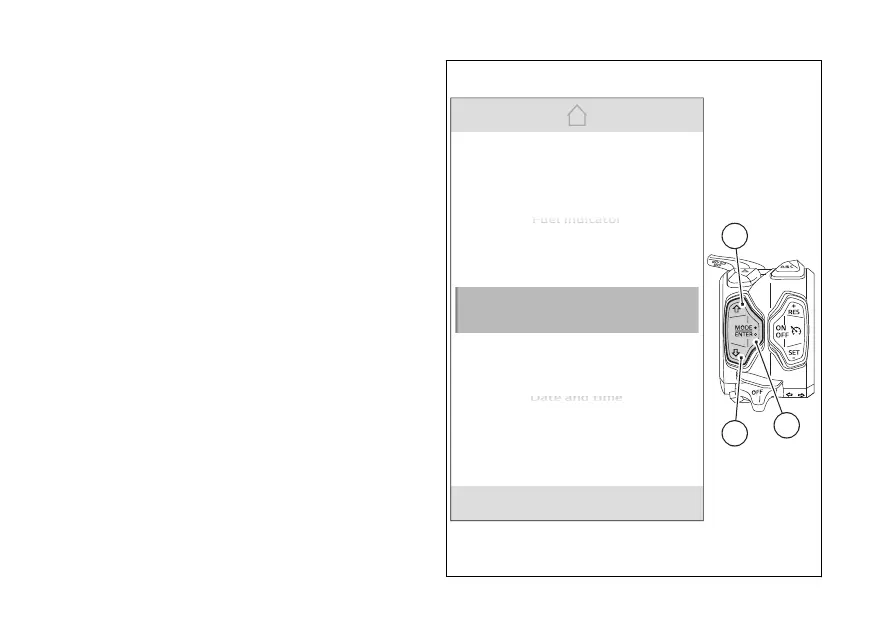
From the Interactive Menu, use  (1) and
(2) to select the item  menu" and press
ENTER (3).
Select the “Display setup” item and press
ENTER (3).
N
Gear
Date and time
D
D
D
D
at
at
at
at
e
e
e
e
an
an
d
d
d
d
ti
ti
ti
ti
me
me
me
me
PIN code
Display setup
DRL
Fuel indicator
F
F
F
F
F
ue
ue
ue
ue
ue
l
l
l
l
l
in
in
in
in
in
di
di
di
di
di
ca
ca
ca
ca
ca
to
to
to
to
to
r
r
r
r
r
1
3
2
Fig 126
214

Table of Contents

Related product manuals