menu – Riding Mode – Info
Mode
This function allows the display mode of the
main screen.
●
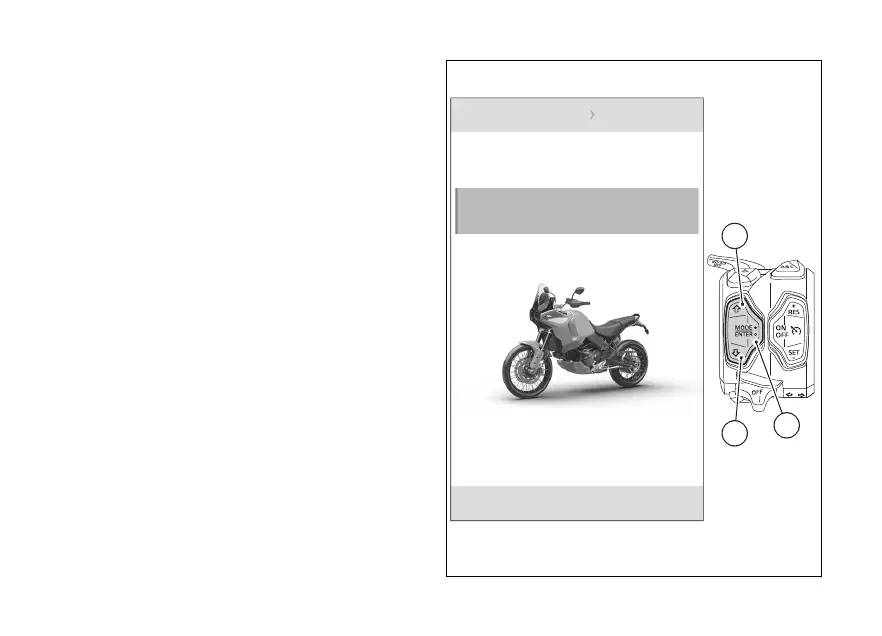
From the Interactive Menu, use (1) and
(2) to select the item menu" and press
ENTER (3).
●
Select the "Riding Mode" item and press ENTER
(3).
●
Select the Riding Mode you wish to customise
and press ENTER (3).
●
Select the “Info Mode” item and press ENTER
(3).
N
Gear
Riding mode Touring
Info mode
Default
DQS
1
3
2
Fig 114
200













 To Next Page