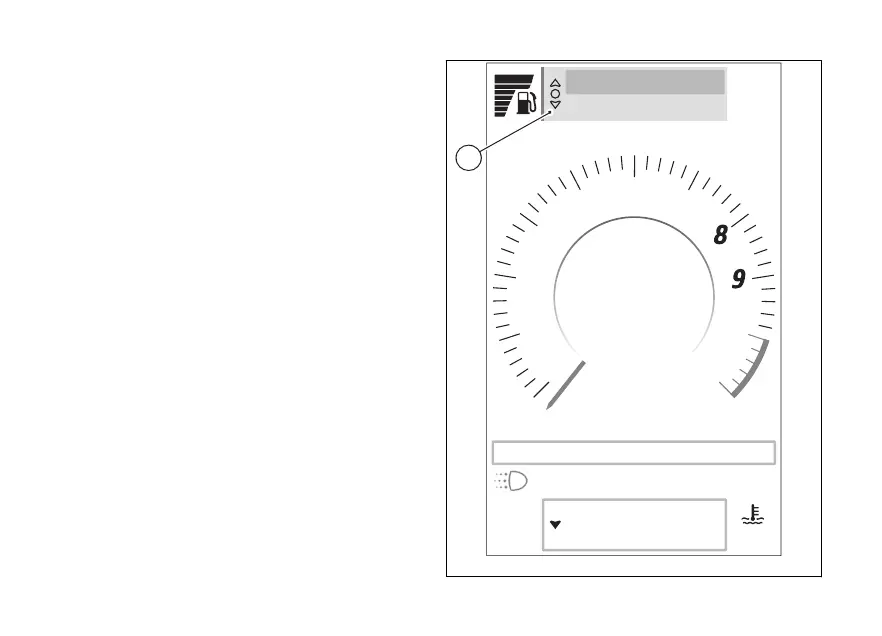
Interactive menu and Info display
Interactive Menu (A)
This menu contains a series of functions that can be
activated by the rider.
When a function is activated, a corresponding
window is displayed with which you can interact.
Available functions are displayed on 2 lines, the
selected function is the one highlighted at the top of
the Interactive Menu.
To select the interactive menu, refer to paragraph
"Selection and navigation" of this chapter.
Available functions include:
●
Turn by turn (if present, see page 138)
●
Phone (if present, see page 29)
●
Music (if present, see page 32)
●
Chrono (see page 149)
●
Fuel transfer (if present, see page 151)
●
menu (see page 158)
Air
22
°C
90
°C
Range km450
Total km2600
rpm X1000
1
2
3
4
5
6
7
10
11
km/h
Gear
N
SPORT
DWC 3 DTC 5 ABS 3 EBC 2
10:34
am
A
Fig 67
119













 To Next Page