Enabling and disabling
The timer window is displayed:
●
(C) if the timer is OFF, it will be displayed as
Long press the ENTER (3) to
enable the timer.
●
(D) if the timer has already been
previously, with the time counting down and the
writing "On". Long press the ENTER (3)
to disable the timer.
Controls
Once the timer (D) has been activated, it is possible
to scroll through and select the following controls by
pressing the ENTER (3) briefly, to activate
the selected control, long press the ENTER
(3):
●
"On" displayed if the timer count is active.
●
pause displayed if the chronometer count is
running, or play displayed if the timer count is
paused.
●
reset to reset the timer, to be selected only if
timer is in pause.
Note
When timer is paused, the indicated time
flashes.
Note
When timer is disabled, the indicated time is
reset.
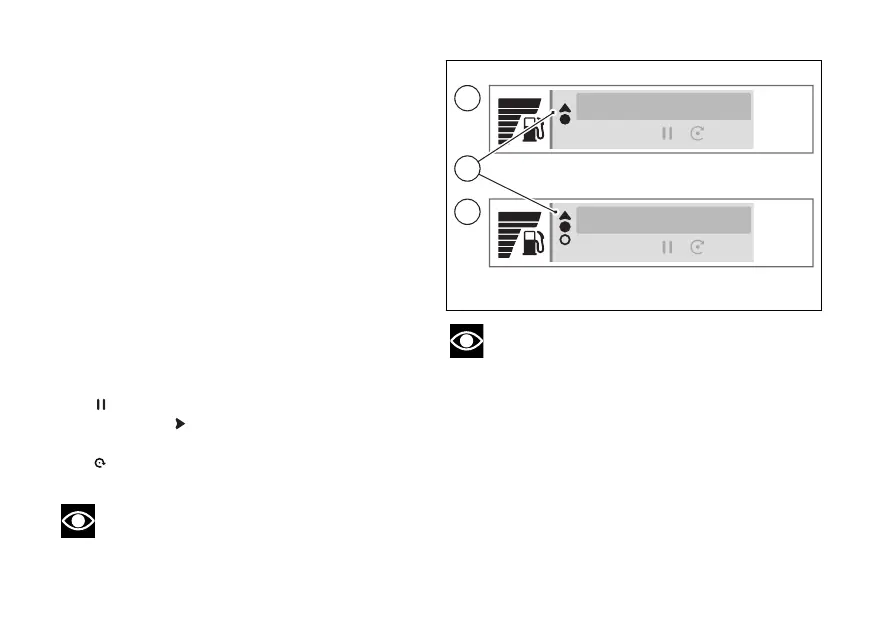
The solid arrow at the top (E) indicates that, by
holding down the (1), you can exit the timer
display to access other menus on the main screen,
while keeping the timer count active if it has been
10:34
am
10:34
am
00:00’00”.00
Off
00:04’26”.52
On
C
D
E
Fig 89
150













 To Next Page