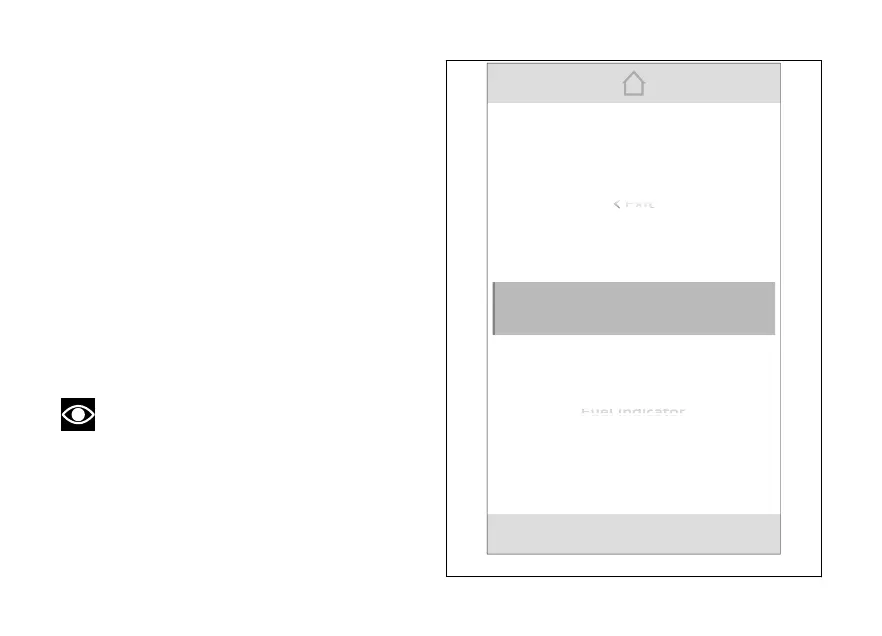
The instrument panel displays the dedicated page
listing the available
●
Service
●
Riding Mode
●
Info display
●
Fuel indicator
●
DRL
●
Display setup
●
PIN Code
●
Date and time
●
Tyre calibration
●
Bluetooth - if present (see page 22)
●
Turn indicators
●
Language
●
Units
●
Trip master precision
●
Info
Note
When entering the menu, the first item
selected is "Riding Mode".
When the Menu is displayed, (1), (2)
and (3) can be used as follows:
●
(1) and (2) to scroll and select the
available items;
●
ENTER (3) to confirm the selected item.
Info display
Riding Mode
Service
Exit
Fig 95
159













 To Next Page