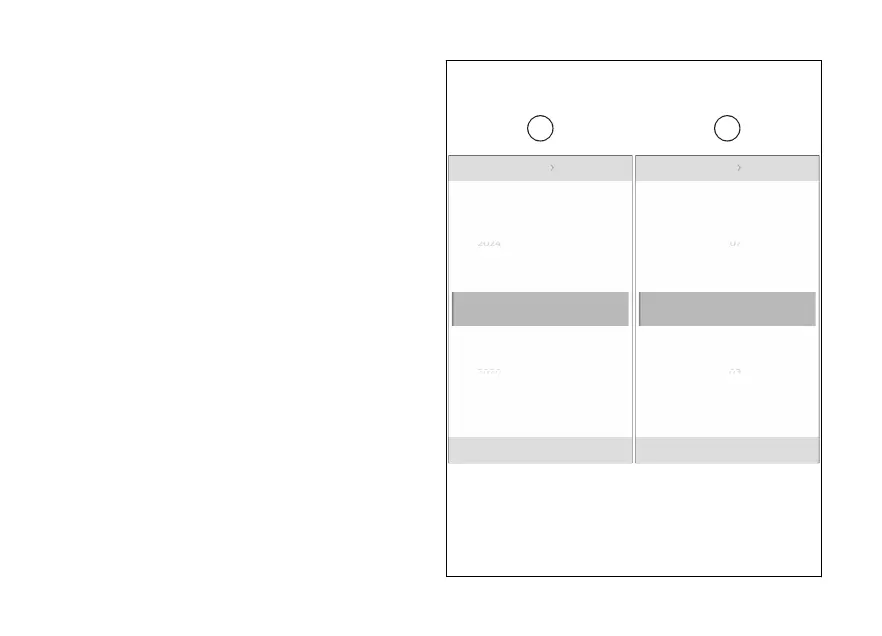
Set date
This function allows the date, in the example
shown here the date format is year/month/day.
●
From the Interactive Menu, use (1) and
(2) to select the item menu" and press
ENTER (3).
●
Select the “Date and time” item and press
ENTER (3).
●
Select the “Set date” item and press ENTER (3).
The first date parameter (in the example the year)
becomes editable and the available values appear
above and below the selected parameter (A). Use
(1) and (2) to scroll and select the desired
value. Press ENTER (3) to confirm and move on to
the following parameter.
The available values appear for the second
parameter, which is the month (B) in the example
shown here. Use (1) and (2) to scroll and
select the desired value. Press ENTER (3) to confirm
and move on to the following parameter.
Date and time Set date
2022/05/01
2022 05 01
06
04
N
Gear
03
07
Date and time Set date
2022/05/01
2022 05 01
2023
2021
N
Gear
2020
2024
Fig 137
227













 To Next Page