Consumption
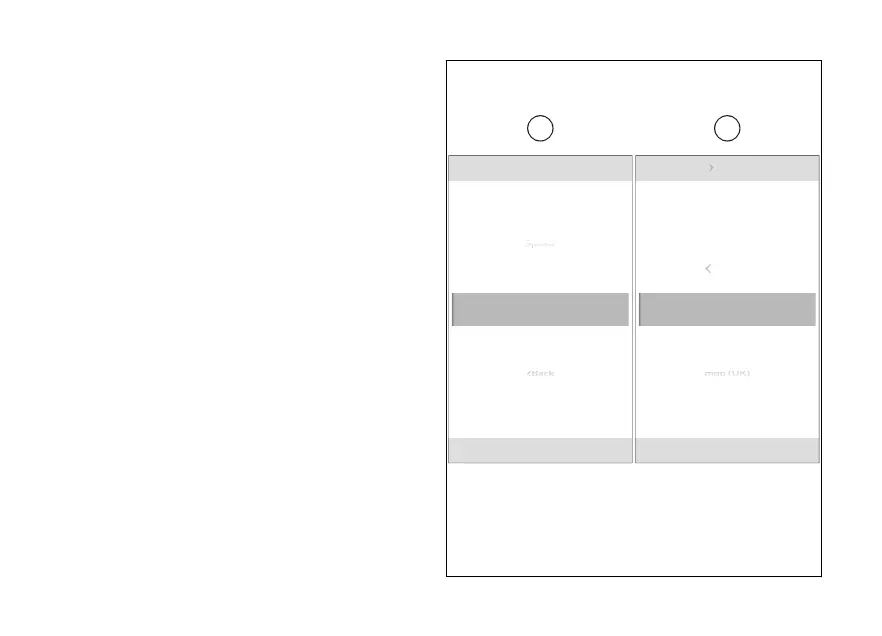
To set the consumption measurement unit:
●
From the Interactive Menu, use (1) and
(2) to select the item menu" and press
ENTER (3).
●
Select the “Units” item and press ENTER (3).
●
Select the “Consumption” item (E) and press
ENTER (3).
Options “L/100”, “km/l”, “mpg UK”, “mpg US” and
“Default” are listed (visible only if the measurement
unit has been previously changed) (F).
Use (1) and (2) to scroll and select the desired
item. Press ENTER (3) to confirm and return to the
previous screen.
Back
Units
km/l
Consumption
Default
Temperature
N
Gear
km/l
l/100 km
km/l
Back
N
Gear
mpg (UK)
Units Consumption
Fig 156
248













 To Next Page