Saving the Ducati Link configuration
This function allows you to save the bike
configuration selected on the Ducati Link app on
your
It is necessary to:
●
have previously paired the to the
instrument panel via Bluetooth (page 22);
●
have the Bluetooth connection active on your
●
have the paired connected.
●
The Ducati Link function must be activated on
the
If changes have been made to the bike configuration
on the Ducati Link app, follow the instructions
indicated by the app to send the configuration to the
connected instrument panel.
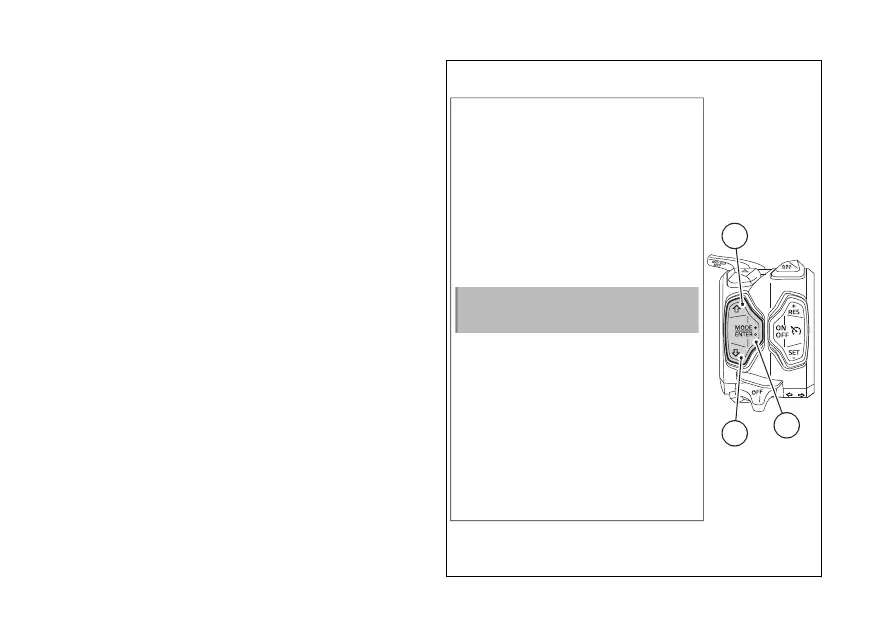
A screen is then displayed on the instrument panel
asking if you want to save the configuration made on
the Ducati Link app.
Using (1) and (2) select the item “No” to
the operation by pressing ENTER (3), or “Yes”
and press ENTER (3) to continue.
No
Yes
Save configuration
from Ducati Link?
1
3
2
Fig 164
256













 To Next Page