49
1
2
Program JOB for DC-645 Via Computer (JOB Creator)
Setting Frequent Functions From Computer (“Function Setting”)
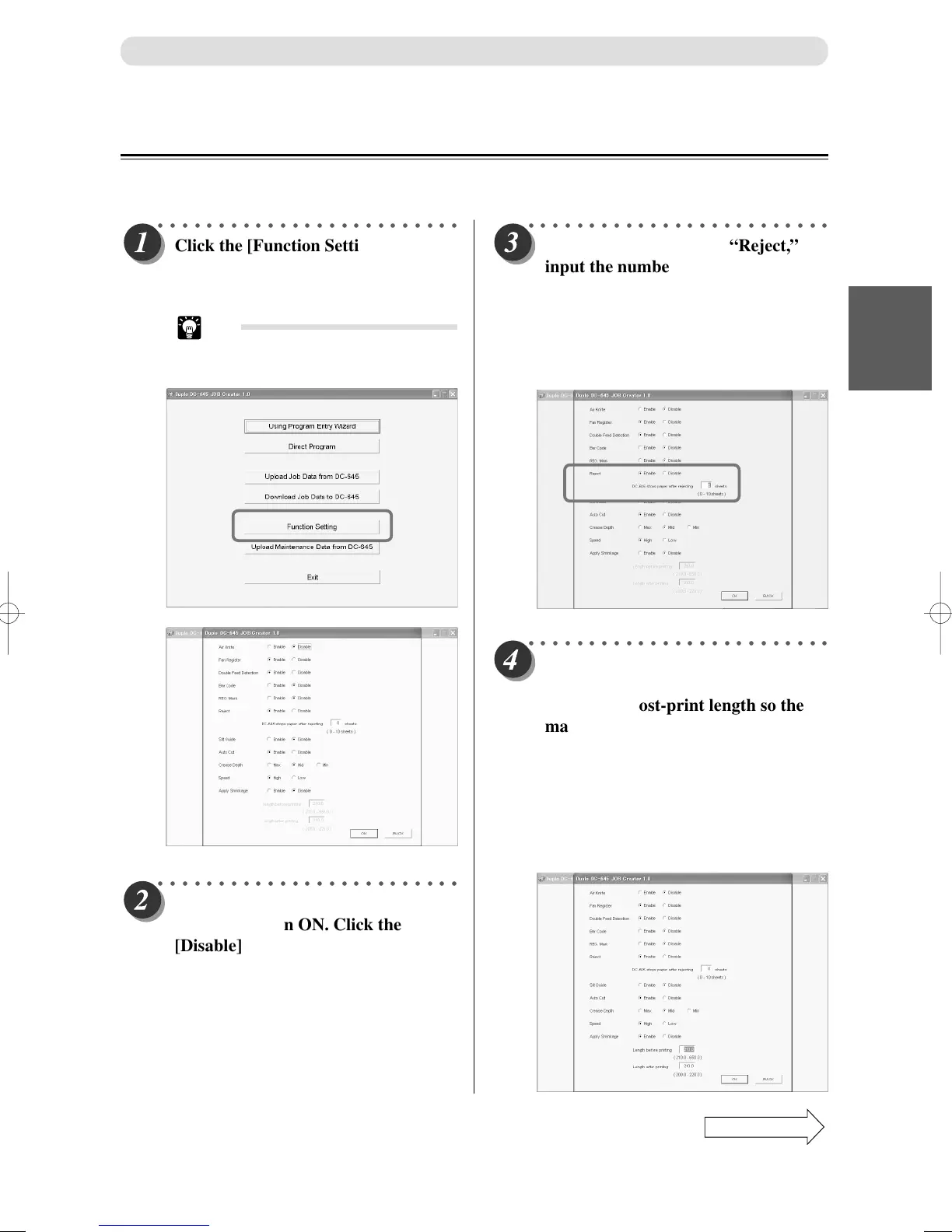
This describes the procedures to turn ON/OFF the barcode function, REG. Mark function and other functions.
○○○○○○○○○○○○○○○○○○○○○○○○○
Click the [Function Setting] button.
The display to turn ON/OFF the
function appears.
Tip
• The current DC-645 settings will
appear at this time.
○○○○○○○○○○○○○○○○○○○○○○○○○
If you set to [Enable] on “Reject,”
input the number of rejected
documents to stop the JOB.
Input “0” or click the [Disable] radio
button if DC-645 is not to be stopped
regardless of number of rejected
documents.
○○○○○○○○○○○○○○○○○○○○○○○○○
Click the [Enable] radio button for
function to turn ON. Click the
[Disable] radio button for functions
to turn OFF.
JOB Creator Settings
○○○○○○○○○○○○○○○○○○○○○○○○○
If you set to [Enable] on “Apply
Shrinkage,” input the pri-print
length and post-print length so the
machine can automatically calculate
the shrinkage rate and improve the
JOB processing precision.
Use the <Number> key to first input
the document length before printing.
Next, input the length of the
document after printing.
Continue Page
•••



 To Next Page