83
Chapter5CleaningtheMachine
Copyright © 2019 Duplo Corporation All Rights Reserved
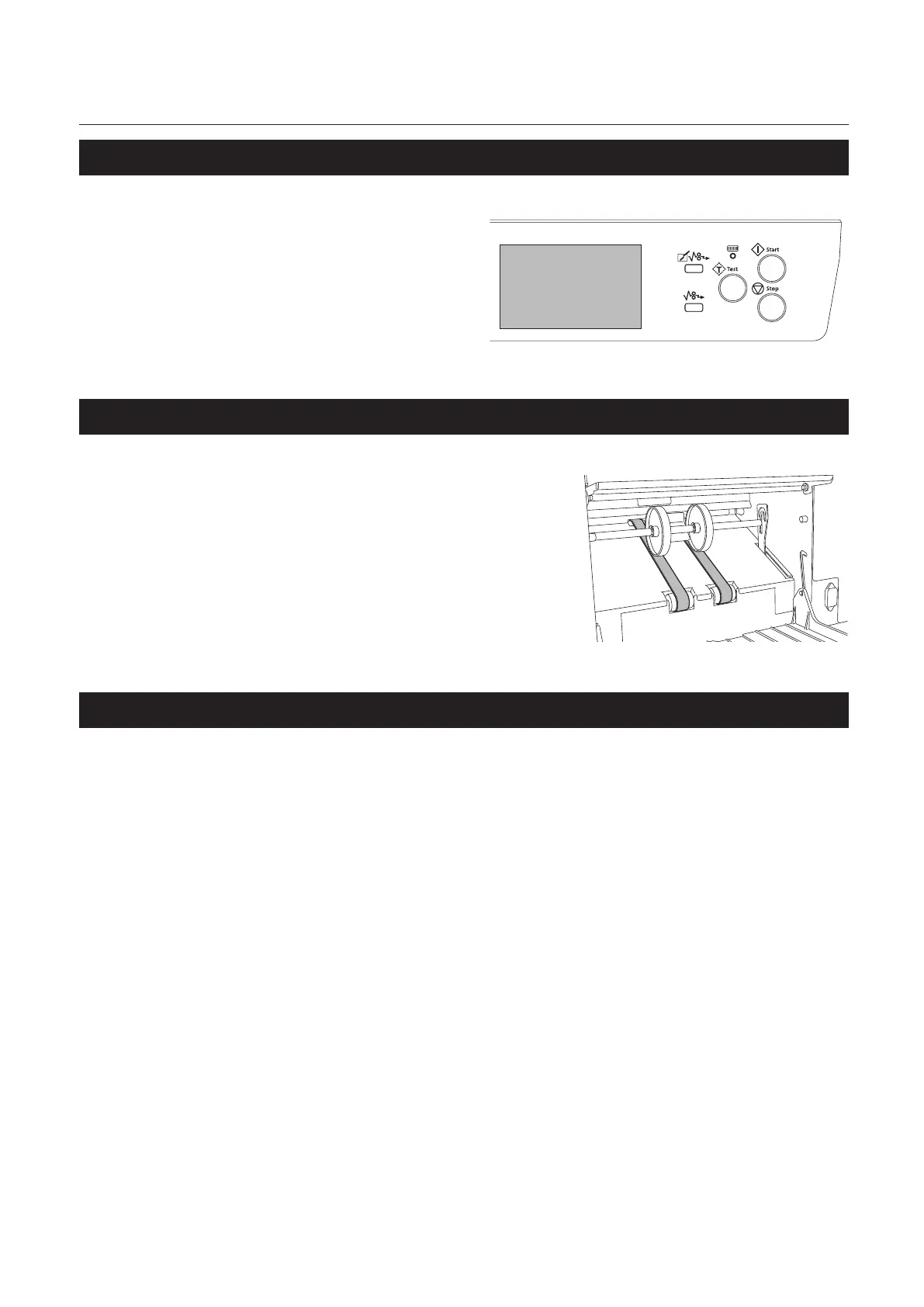
3. Cleaning LCD touch panel
Gently wipe the LCD touch panel of the
control panel with a dry cloth.
4. Cleaning stacker belt
1
Remove the auxiliary paper ejection
guide.
2
Wipe the stacker belt with a cloth
moistened with alcohol while rotating it
by hand.
5. Cleaning paper separator
Whenthepaperseparatorisdirty,mis-feedordouble-feedmayoccur,andpaperfeedingcannotbenormally
performed.
For the cleaning of paper separator, contact Duplo dealer.



 To Next Page