2929
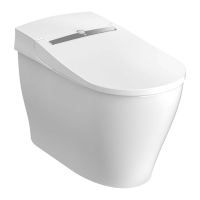
When the seat lid opens, a soft light illuminates the base of the toilet and the inside of the bowl.
When the user leaves the toilet, the light goes out automatically.
The default setting for this light is “ON”.
1
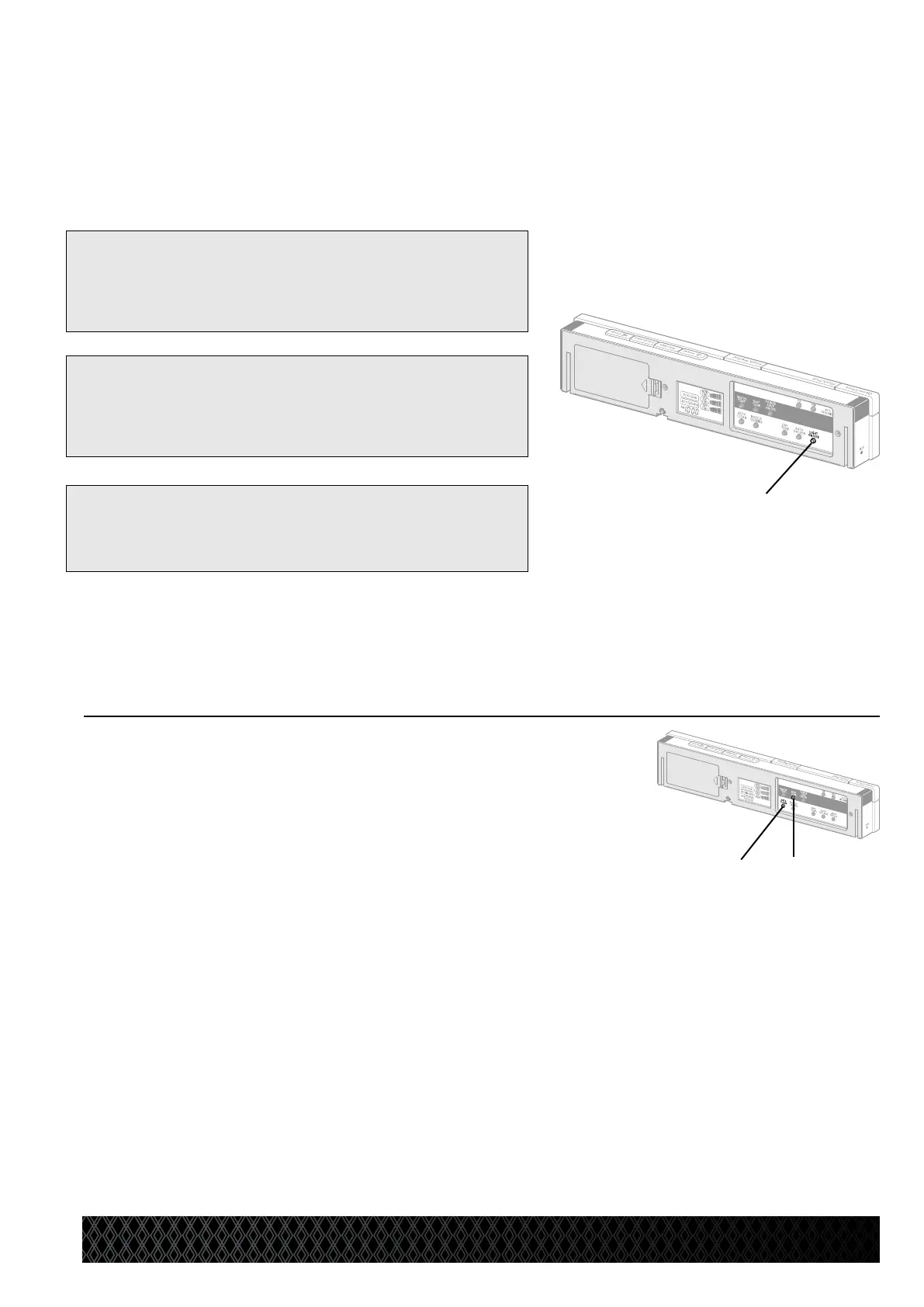
Press the Light button [A] to
deactivate the night light.
* A beep sounds when the setting is complete.
2 Press the Light button [A]
again to turn on the night light.
* A short beep sounds when the setting is complete.
[Reference]
●
While the night light is lit, shadows in the bottom of the toilet
bowl might make the toilet look as if it is dirty. In this case,
refer to “To deactivate the night light in the bowl” below.
[A]
To deactivate the night light in the bowl
Press the Seat temp. [B] button and Auto
Clean [C] buttons button simultaneously for
2 seconds.
* A short beep sounds when the setting is complete.
* To reset the setting, press the Seat temp. button and Auto Clean buttons
simultaneously again for 2 seconds.
A beep sounds when the setting is complete.
[C] [B]
Night Light Function


 To Next Page