22 of 44
User Manual for the GSC400 Programmer and PC Interface
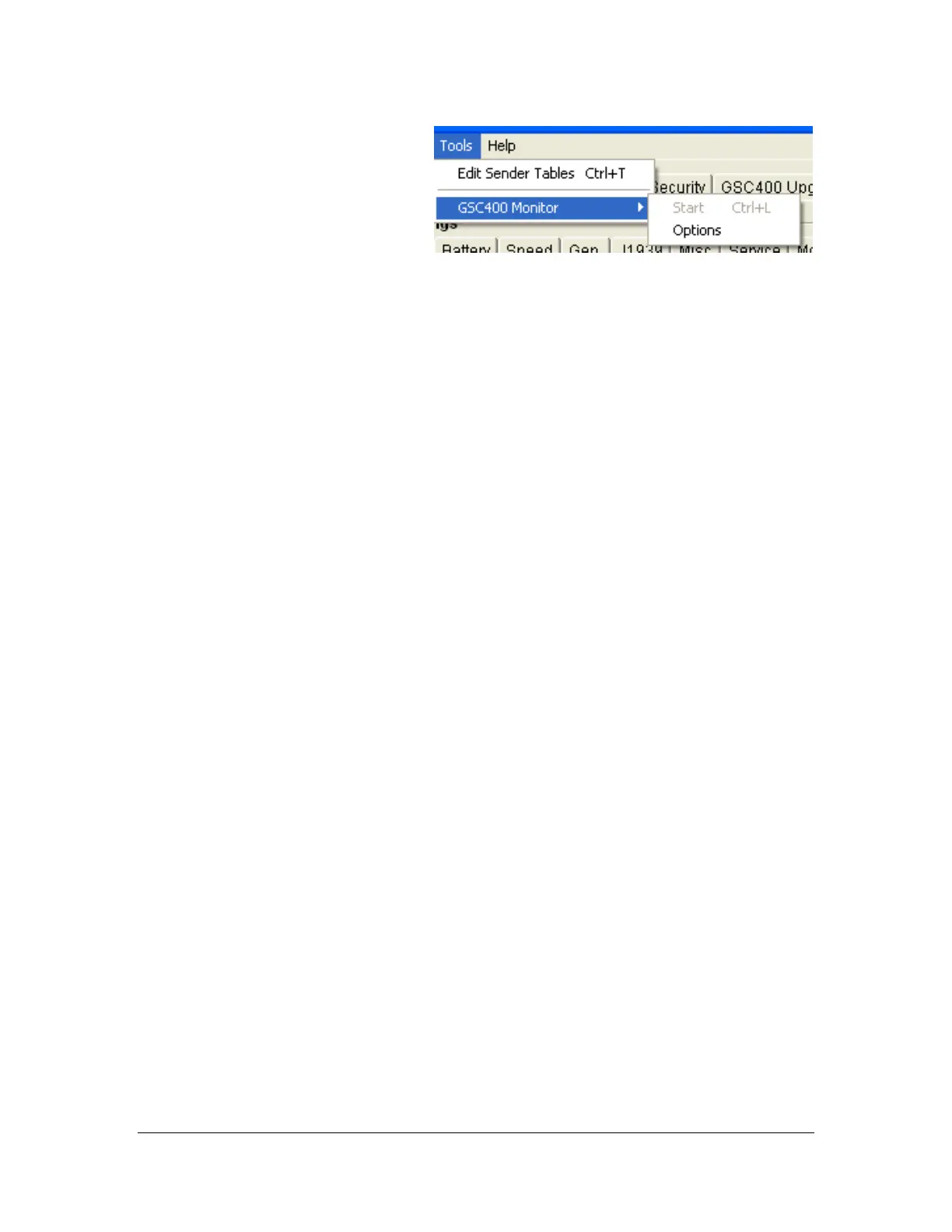
The user can specify the location
of this file, how often the data is
logged to the file (2 to 600
seconds in 2 second increments),
and the parameters to log to the
file. To do this click on Options
located in the GSC400 Monitor
menu which is located in the Tools
menu.
To stop monitoring and data logging press the “Stop Monitor” button at the
bottom of the window. Clicking on another tab also will stop the monitoring and
data logging.
Figure 34 – GSC400 Monitor Settings Options
menu.

 To Next Page
 Loading...