8 of 44
User Manual for the GSC400 Programmer and PC Interface
1.4 Setting up the GSC400 Programmer
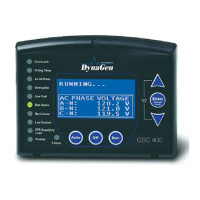
This section will explain how to connect the GSC400 programmer to the GSC400
controller and PC.
1. Ensure that the GSC400 controller is
powered off. Connect the 10pin
connector (Figure 8) to the GSC400 as
shown in Figure 9 with red stripe facing
towards the center of the GSC400.
2. Power on the GSC400.
Figure 7 – GSC400
Programmer
Figure 8 – 10pin connector with female-
female header.
Figure 9 – Proper programmer connection to
GSC400.

 To Next Page
 Loading...