Horn Button
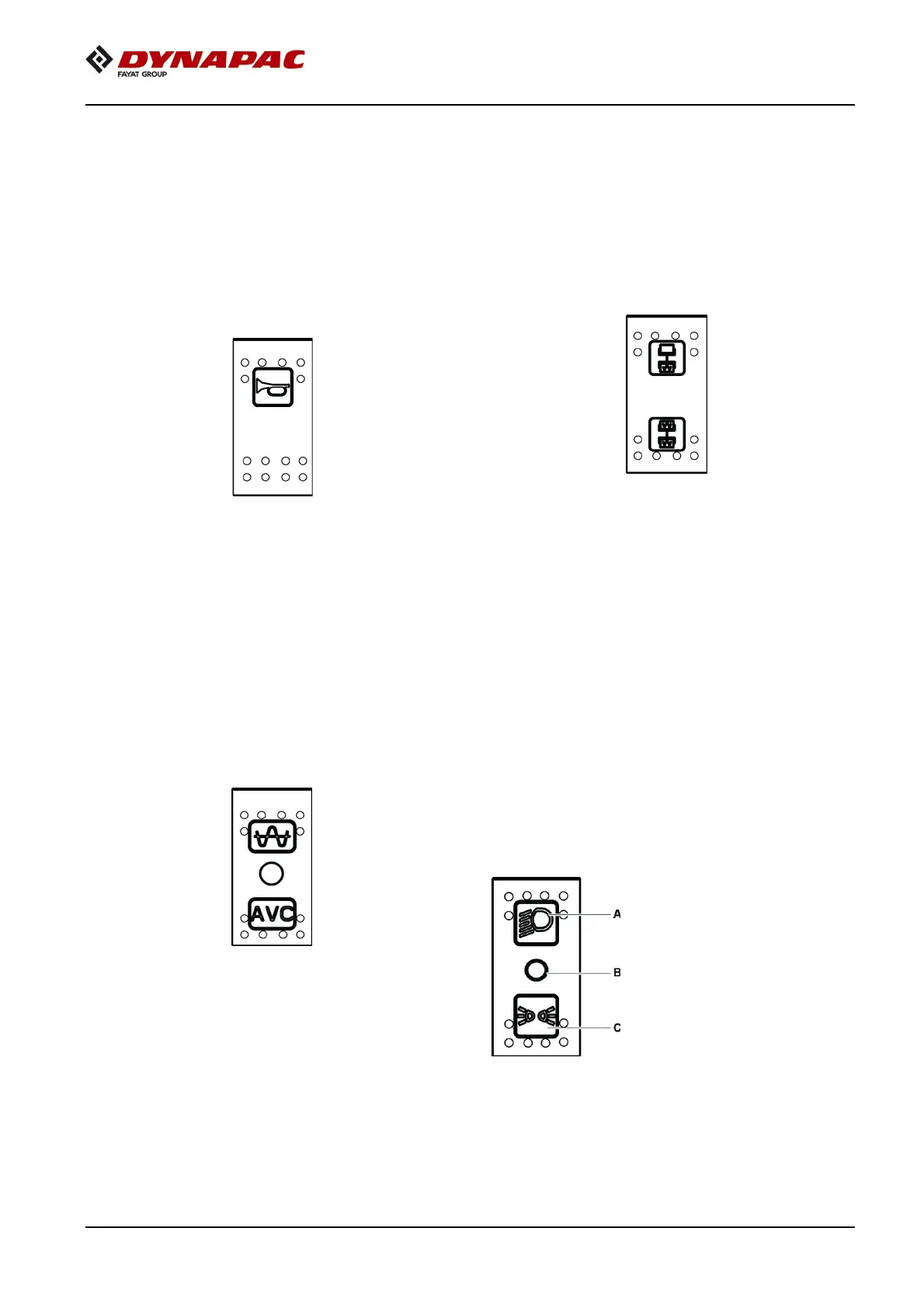
The horn button is located on the switch
assembly.
Vibration Selector Switch
In the upper position the vibration is switched off
on the front drum and in the lower position the
vibration is switched on in both the drums.
Press the button to activate the horn.
Figure 5-9: Horn Switch
Vibration Man/Auto Switch
In the upper position, the vibration is switched on/
off with the switch on the forward/reverse lever.
The function is activated with the switch. In the
intermediate position the vibration system is
completely switched off. In the lower position the
vibration is switched on or off automatically
through the forward/reverse lever.
Figure 5-10: Vibration MAN/AUTO Switch
Figure 5-11:Vibration Selector Switch
Fuse Box
The fuse box is located on the control column
which contains the fuses for the electrical system.
Fuses protect the electrical components from
damage because of a short circuit. Refer to
electrical system for the description and functions
of the fuses.
Driving Lights Switch
Push up, to switch on the driving lights and
depress to switch on the parking lights. In
Intermediate position the lights are switched off.
Figure 5-12: Driving Lights
A
Push up position
B
Intermediate position
C Depressed position



 To Next Page