Control Panel Notification Symbols
Notifications are displayed when the starter switch is turned to the on position and notifies that
corresponding systems are operating.
Table 5-2:Notification Lights
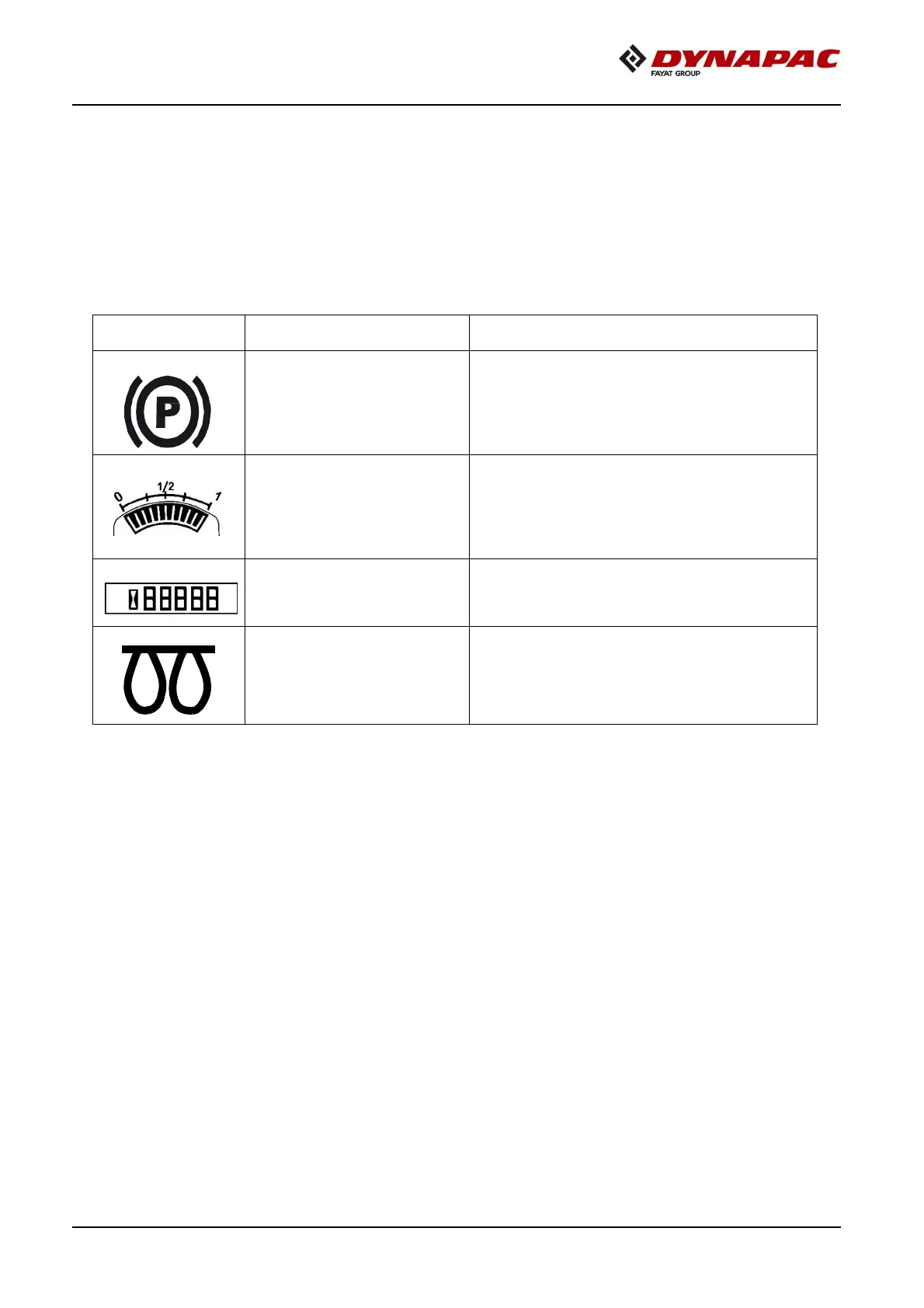
Designation Function Description
Parking brake indicator lamp
The light illuminates when the parking brake is
activated.
The fuel level gauge monitors the level of fuel in
the fuel tanks of the roller. The fuel gauge is
shown in increments of zero, 1/4, 1/2, 3/4, and
one. When the indicator needle shows 1/4, the
fuel tank should be filled.
It displays the number of hours the engine has
run.
Glow Plug indicatior illuminates momentarily (for
approximately 5 seconds) once ignition is
switched on.



 To Next Page