DH200F User Manual
©Dyness reserves the copyright of this document.
6 System Running And Stop
Product power-on process
Precautions:
The product can only be put into operation after being confirmed by professionals and
approved by the local power department.
For products with a long shutdown time, before powering on, a comprehensive and
detailed inspection must be carried out on the equipment to ensure that all indicators
meet the requirements before powering on.
Power-on inspection: Before powering on, please check the following items carefully to
make sure they are correct.
Check that the wiring is correct.
Check if the emergency stop button is released.
Check to make sure there are no ground faults.
Use a multimeter to check whether the AC and DC side voltages meet the start-up
conditions and there is no risk of overvoltage.
Check to make sure no tools or parts are left inside the device.
Operating procedures:
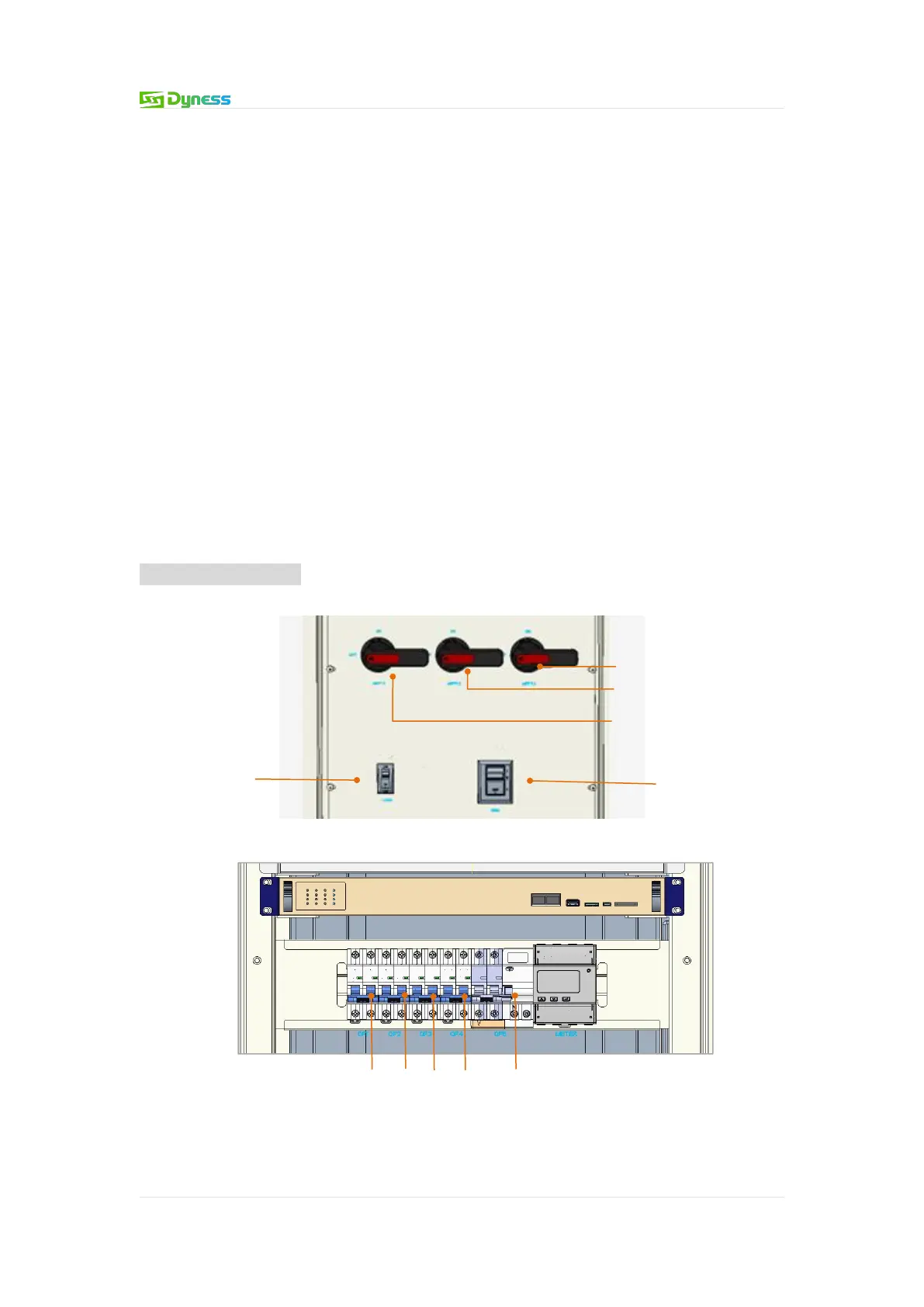
The product power-on process is divided into 6 steps:


 To Next Page