MP-7 Owners Manual 209
Preset Edit Menu
Defining the Real-time Crossfade Range
1. Press the Preset Edit button to access the Preset Edit menu.
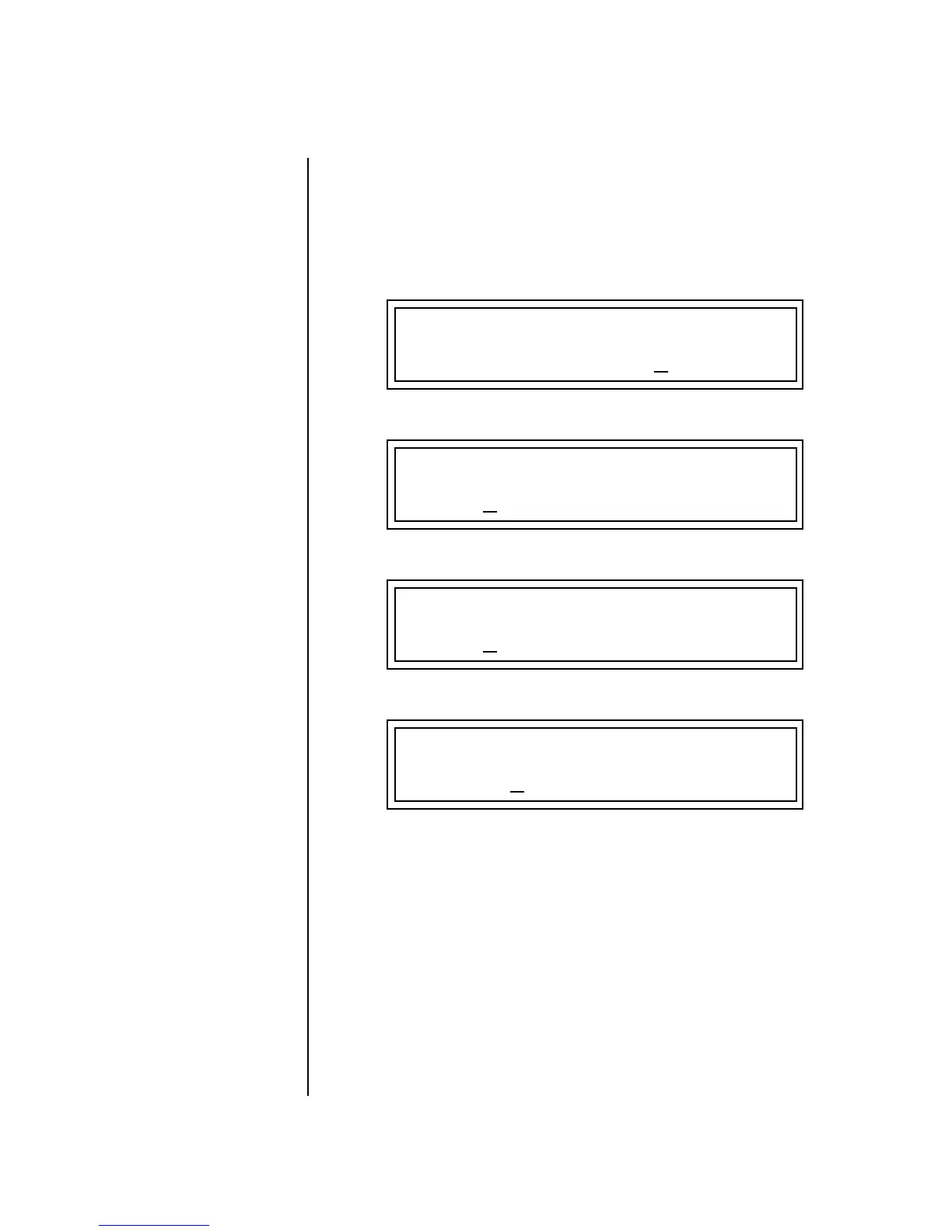
2. Go to the Instrument screen and select Instruments for Layers 1
through 4.
3. Press Enter, then use the data entry control to advance to the Real-time
Crossfade page.
4. Define the High and Low range of each Layer as shown above.
5. Press Home/Enter and use the data entry control to advance to the
PatchCord page. Select Layer 1.
6. Select XfdRnd as the modulation source and RTXfade as the desti-
nation. Set the Cord Amount to +100.
7. Repeat step 6 for the remaining three layers.
L1
RT: LO FADE HIGH FADE
000 000 0
31 000
L2
RT: LO FADE HIGH FADE
0
32 000 063 000
L3
RT: LO FADE HIGH FADE
0
64 000 095 000
L4
RT: LO FADE HIGH FADE
096
000 127 000


 To Next Page