354 E-MU Systems
Appendix
MIDI
Operating System Upgrades
MP-7’s operating system can be updated using the USB port or the MIDI
interface using E-MU’s E-Loader utility. E-Loader comes with a set of
detailed instructions for upgrading the operating system.
You’ll find E-Loader on the CD-ROM that came with your MP-7, or you can
download it from the E-MU web site (www.emu.com). There you will also
find the latest software revision for your MP-7
113
114
115
116
117
118
119
120 All Sound Off No Yes See note
121 Reset All Contlrs No Yes
122 Local Cntrl on/off No No
123 All Notes Off No Yes
124 Omni Mode Off No Yes
if enabled
125 Omni Mode On No Yes
if enabled
126 Poly Mode Off No Yes
if enabled
127 Poly Mode On No Yes
if enabled
NOTES: * MP-7 can transmit and receive ANY continuous controller number
from 1 to 95. Because of MP-7’s powerful synth engine, many of the
standard MIDI controllers can be user programmed to provide the
desired function. A “Yes” response in this chart means that a
controller is programmed by default in MP-7.
Controller 79 is hard-coded to the Mix Output parameter.
0=Use Preset, 1=Send 1, 2=Send 2, 3=Send 3, 4=Send 4
Controller 80 is hard-coded to the Arp Status parameter.
0=Off, 1=On, 2=P (preset), 3=M (master)
Value of 0 = reset all except vol & pan; value of 127 = reset all.
Other: Pan: -64 = hard left, +63 = hard right
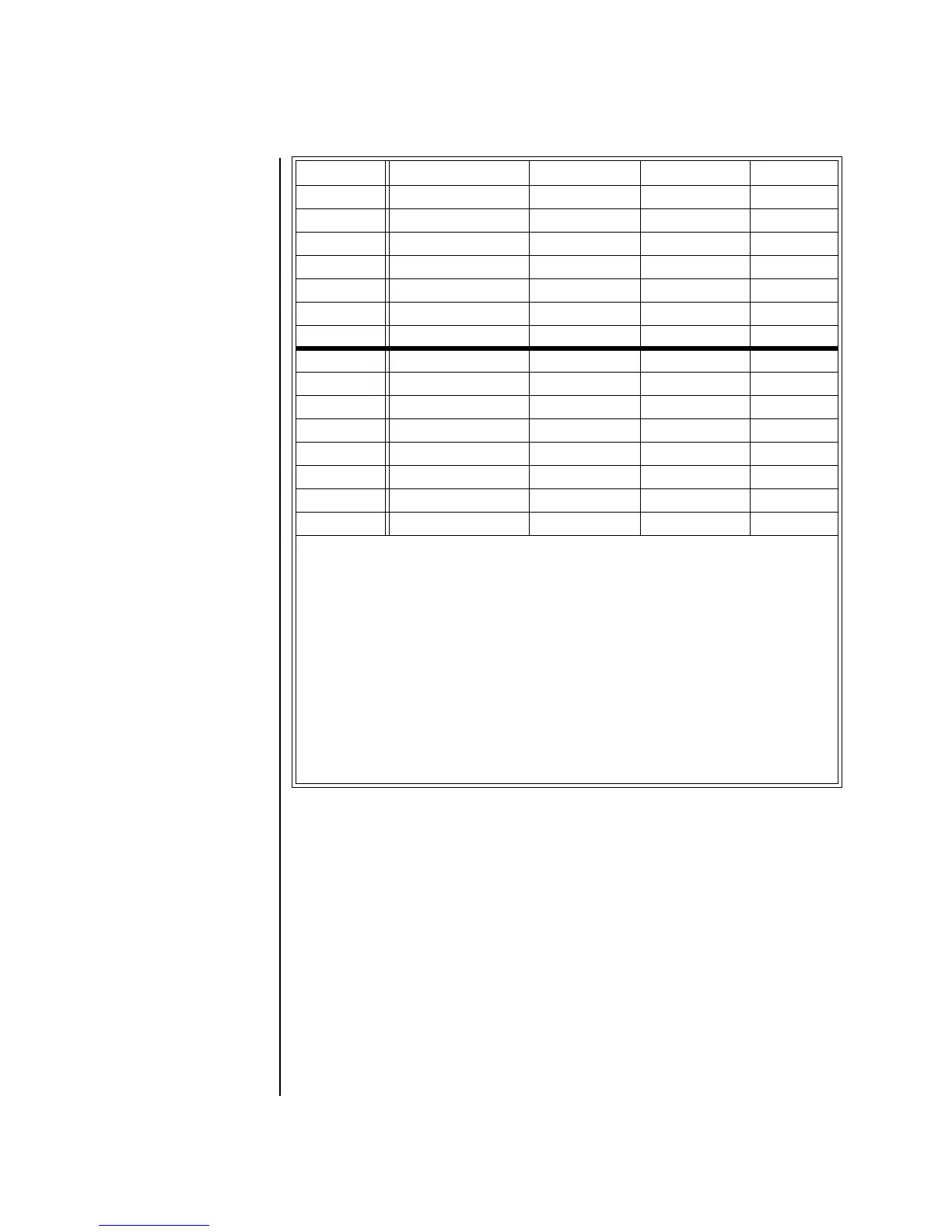
Control # Function Transmitted Recognized Remarks


 To Next Page