2388-MANUL-V10.00.00-UTP2 Operating Manual
Page 36 of 74
3.15.10 Background Measurements
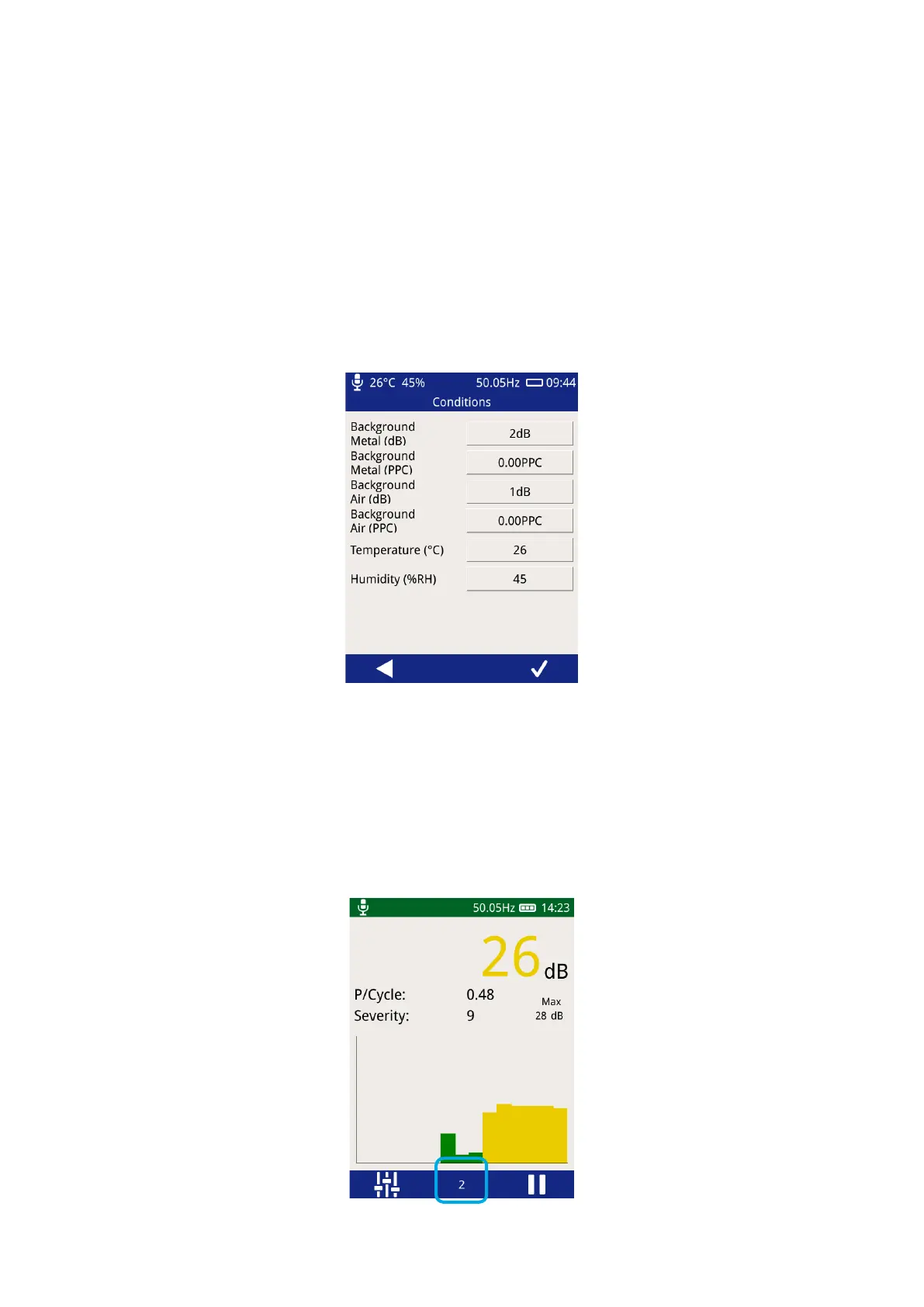
The background measurements fields on the survey metadata forms have special behaviour, pressing the input
field triggers the UTP2 to start measuring the TEV level for a ten second period. Following this, the average
measurement for the period is stored. When performing the Background Metal measurement, the TEV plate of
the UTP2 should be held against an unearthed piece of metalwork in the substation not connected to the
switchgear. The Background Air measurement requires holding the UTP2 in free space in order to get an
ambient reading.
The background temperature and humidity are taken directly from the current measurement by the
Environmental Sensor. Please note that the Environmental Sensor needs to be connected to the UTP2.
3.15.11 Recording Data
Once a survey has been started, data can be recorded from any TEV, Cable PD, Ultrasonic or UHF displays. The
same data is recorded for TEV or Cable PD independent of which TEV/Cable PD screen is currently displayed.
To record data, simply press the record icon visible on the menu bar, which will then start a 10 second period
of data capture.



 To Next Page