Section 14. Primary Flight Display (PFD) Eclipse 5OO Systems Manual
Copyright © — Eclipse Aviation Corporation
320 Version 2.0 April 2007
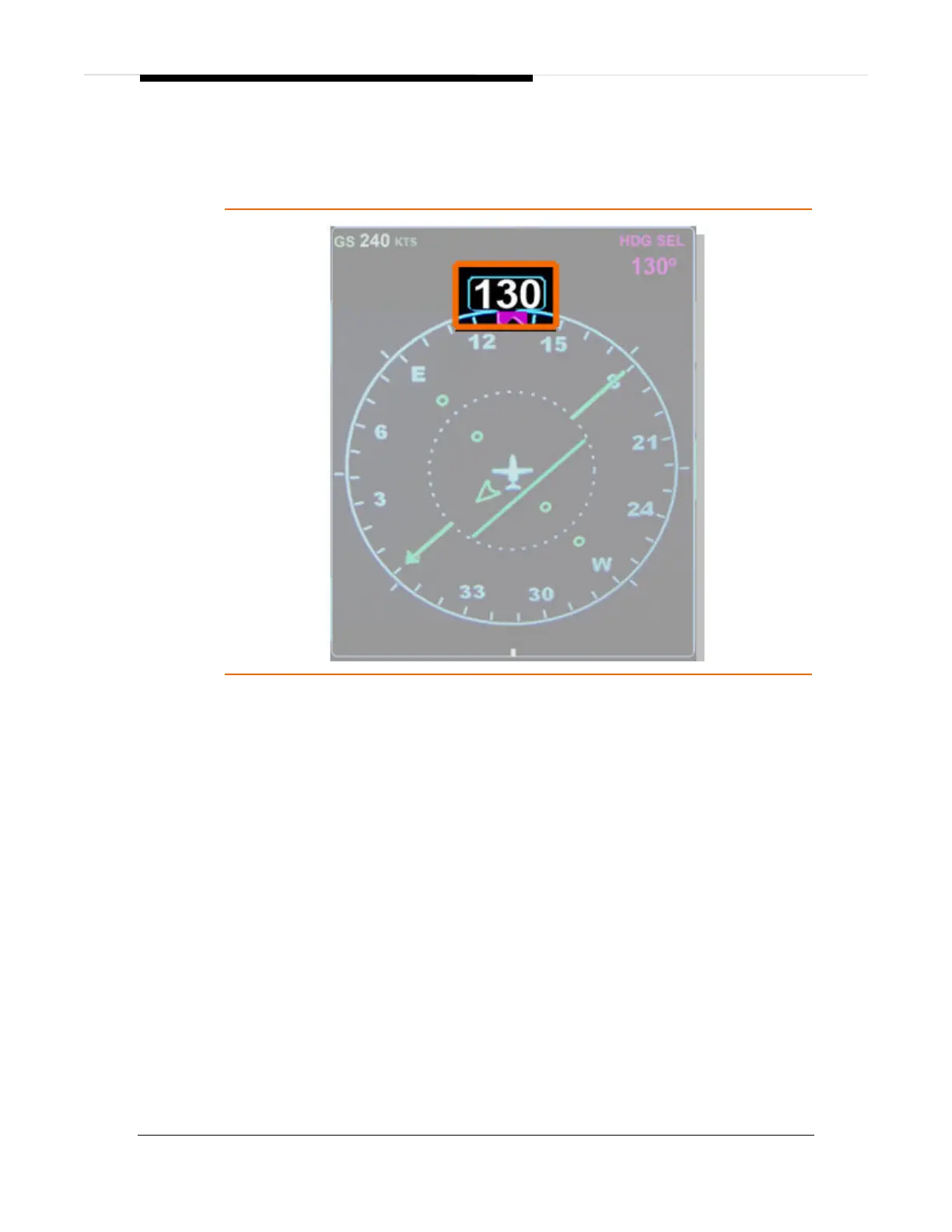
Heading Window
The current aircraft magnetic heading is displayed in a window at the top of the
HSI. When the EFIS is powered up current aircraft is displayed.
Figure 210. Heading Window
Heading Bug
A magenta target heading bug is displayed along the outer edge of the compass
rose. At start-up, the heading bug synchs to current aircraft heading. Heading
bug position is controlled by the HDG SEL knob on the Autopilot Control Panel
and associated pre-select information is displayed in the heading pre-select
window, located in the upper right portion of the HSI display. One knob click is
equal to +/-1 degree, however scrolling the HDG SEL knob quickly will cause an
accelerate function to rapidly rotate the heading bug. Pressing the HDG-SEL
knob synchs the heading bug to the current aircraft heading. The heading bug is
solid only if being used by the flight director/autopilot to capture a preset heading.
The heading bug remains solid while in heading mode.



 To Next Page