Section 3. Flight Controls Eclipse 5OO Systems Manual
Copyright © — Eclipse Aviation Corporation
Version 2.0 April 2007 43
3.4.4 Flap Position Display
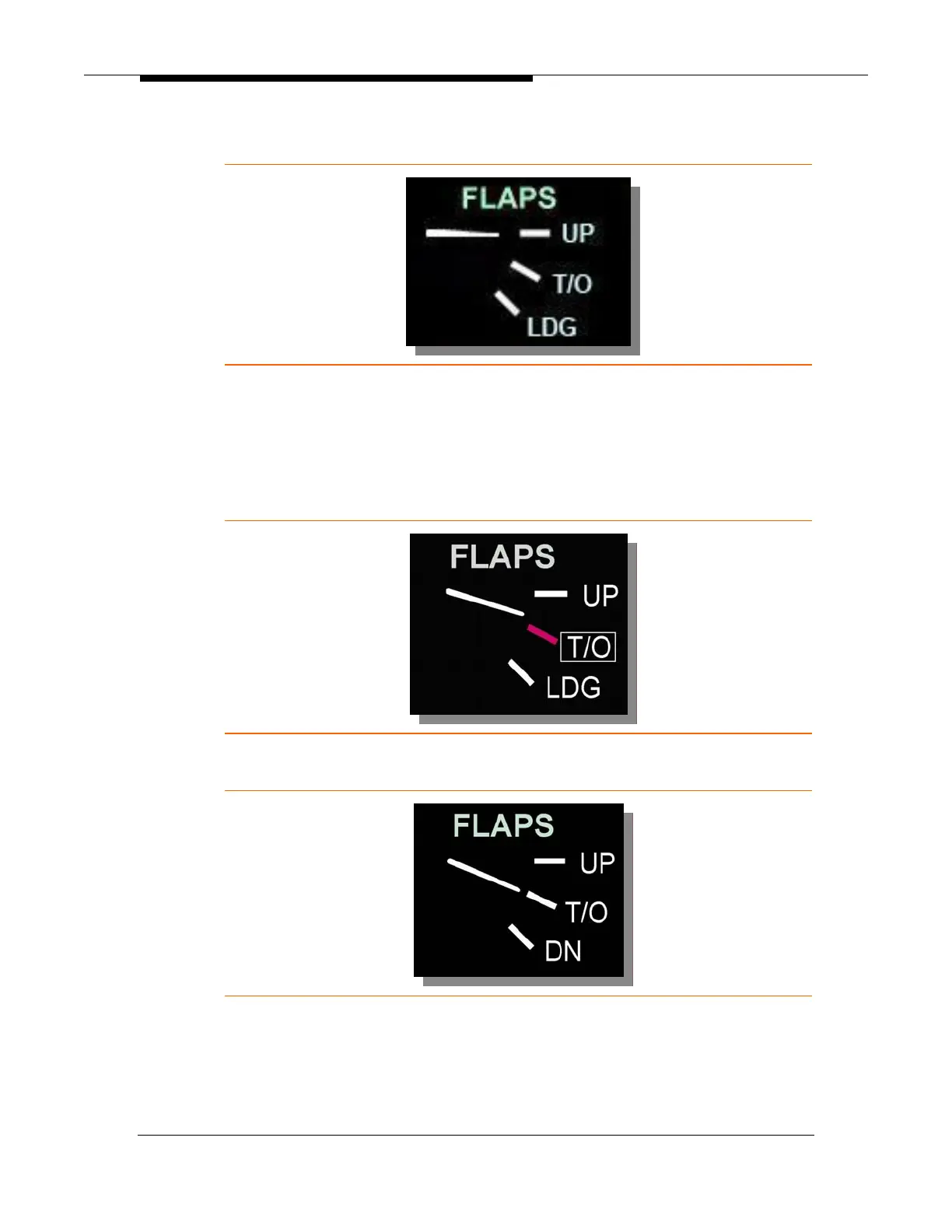
Figure 31. Flap Position (Normal)
When the flap selector is moved, a white box is displayed around the selected
position. The flap position tick mark turns magenta until the flap position agrees with
the flap selector position, at which point the tick turns white and the white box
disappears.
Figure 32. In Transit to T/O Position
Figure 33. Flap Position Display (T/O Position)



 To Next Page