Section 14. Primary Flight Display (PFD) Eclipse 5OO Systems Manual
Copyright © — Eclipse Aviation Corporation
336 Version 2.0 April 2007
14.5 Abnormal Procedures
14.5.1 PFD Failure
In the event that a PFD fails, all flight information will be available through the
standby indications on the MFD or on the cross-side PFD. To assure that radio
communication will still be available, the pilot must select the opposite PFD using the
COM SOURCE switch on the left switch panel.
14.5.2 PFD Composite Mode
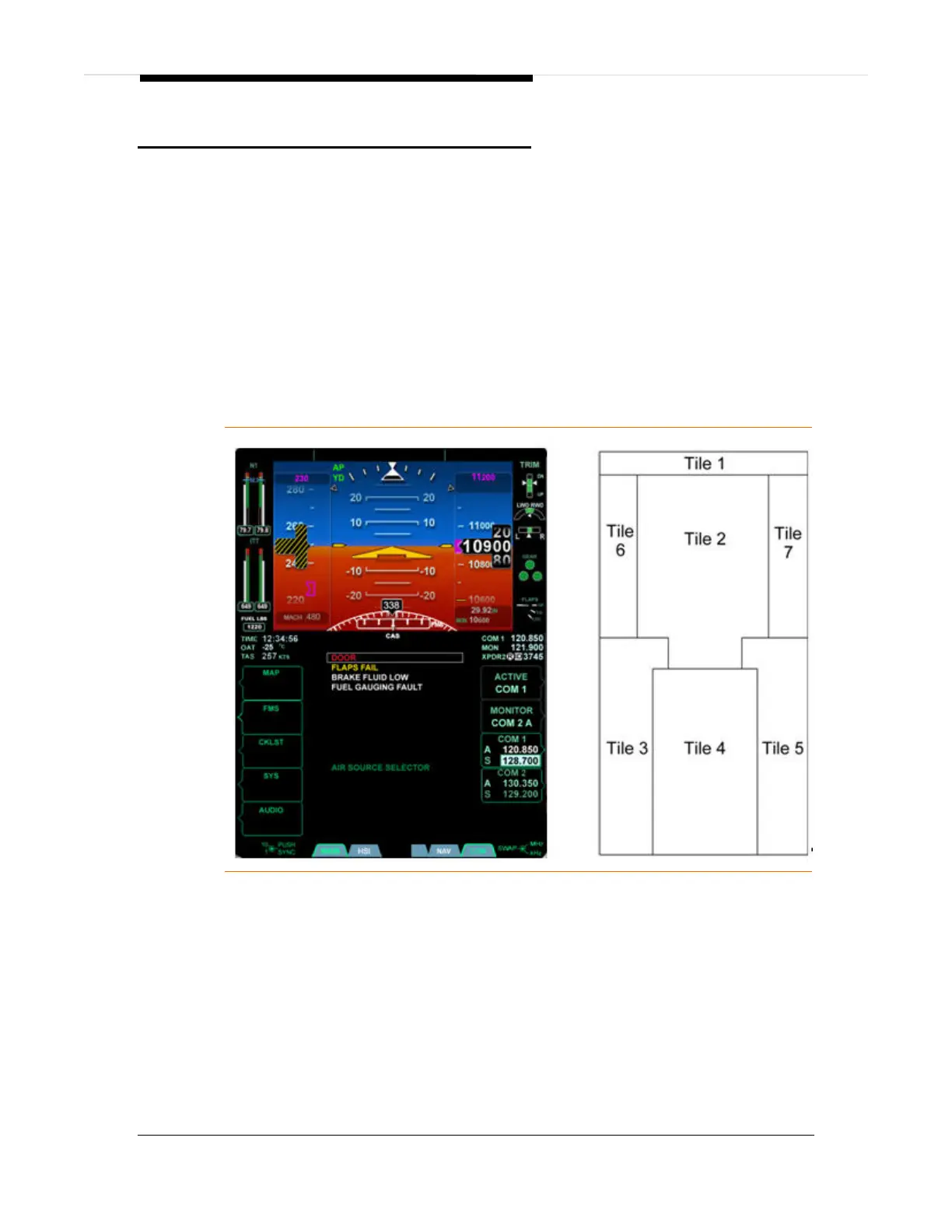
Composite Mode allows the pilot to use pages that are normally available only on the
MFD in the event of an MFD failure. When selected for composite mode the PFD
remains similar in appearance to the normal mode of operation; however, there are
two additional tiles displayed. These tiles contain necessary aircraft and engine
systems information.
Figure 224. PFD Composite Mode



 To Next Page