Section 14. Primary Flight Display (PFD) Eclipse 5OO Systems Manual
Copyright © — Eclipse Aviation Corporation
Version 2.0 April 2007 339
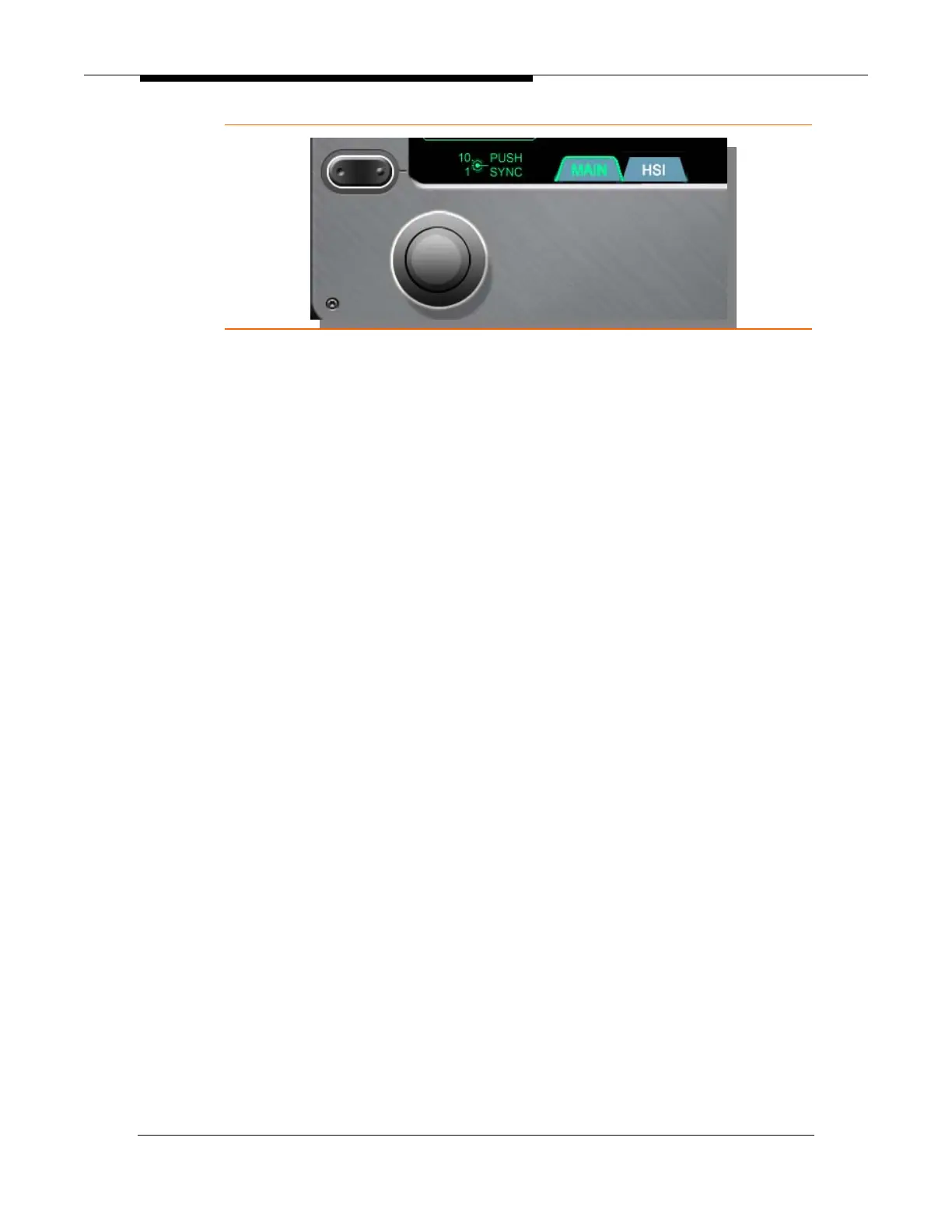
Figure 227. Composite Mode Pages-MAIN-HSI
⎯ MAIN
The MAIN page is the default page displayed when composite mode is
selected. This page displays the CAS message window in tile 4 and
provides line select key options for all of the primary function keys on the
MFD (MAP, FMS, CKLST, SYS, and AUDIO). Acknowledgement of CAS
messages is accomplished using the right line select key number five.
⎯ Primary Function Selection
Selecting the primary function options is available using left line select keys 1
through 5 or by using the keyboard.
Composite Mode Page Selection from PFD
Select the Composite Mode:
1. Press left line select keys 1 through 5 for the desired Composite Mode page.
a. L1 CKLST
b. L2 FMS
c. L3 MAP
d. L4 SYS
e. L5 AUDIO
Composite Mode Page Selection from Keyboard
Select the Composite Mode:
1. Press L PFD or R PFD
2. Press PFD COMPOSITE
3. Press the key for the desired option.
a. MAP
b. FMS
c. CKLST
d. SYS
e. AUDIO



 To Next Page