Section 15. Multi Function Display (MFD) Eclipse 5OO Systems Manual
Copyright © — Eclipse Aviation Corporation
382 Version 2.0 April 2007
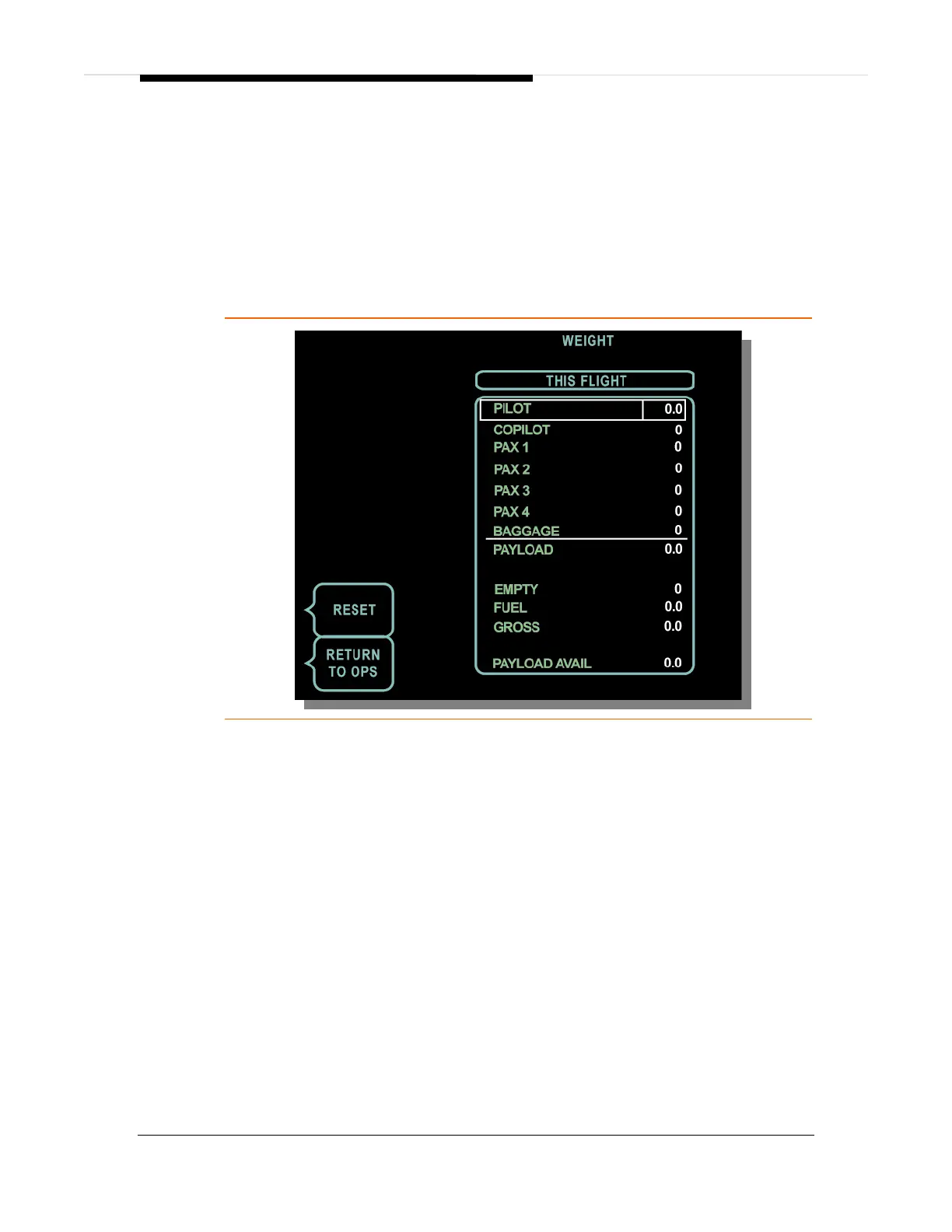
⎯ RESET
Pressing the RESET line select key with the cursor over a value in a weight
field resets the value to the default setting. Pressing the RESET line select
key with the FUEL line selected will remove the amber MAN text and reset
the fuel value to the weight calculated by the ACS.
⎯ RETURN TO OPS
Pressing the RETURN TO OPS line select key displays the AIRCRAFT
OPERATIONS portion of the OPS page.
Figure 267. OPS Weights Synoptic Page



 To Next Page