Section 15. Multi Function Display (MFD) Eclipse 5OO Systems Manual
Copyright © — Eclipse Aviation Corporation
390 Version 2.0 April 2007
SETUP
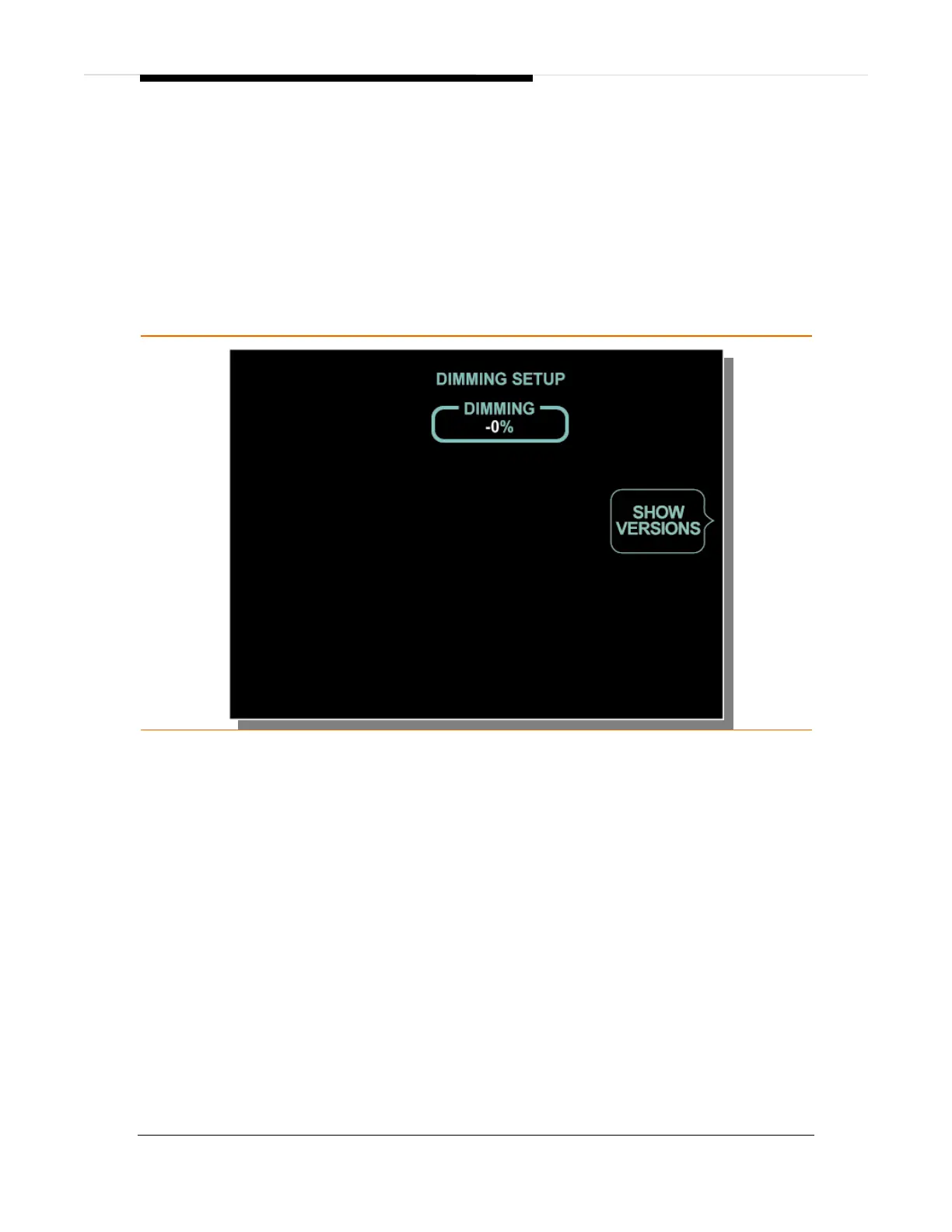
The Setup (SETUP) synoptic page provides pilot information on the current
display dimming setting, as well as the ability to see the software versions for the
left and right PFDs as well as the MFD.
⎯ SHOW VERSIONS
Pressing the SHOW VERSIONS line select key will display the current
software versions for the left PFD as well as provide a SYSTEM line select
key option. Pressing the SYSTEM line select key will change the synoptic
page display between left PFD, right PFD and MFD.
Figure 272. SETUP Synoptic Page



 To Next Page