Section 16. Autoflight Eclipse 5OO Systems Manual
Copyright © — Eclipse Aviation Corporation
Version 2.0 April 2007 427
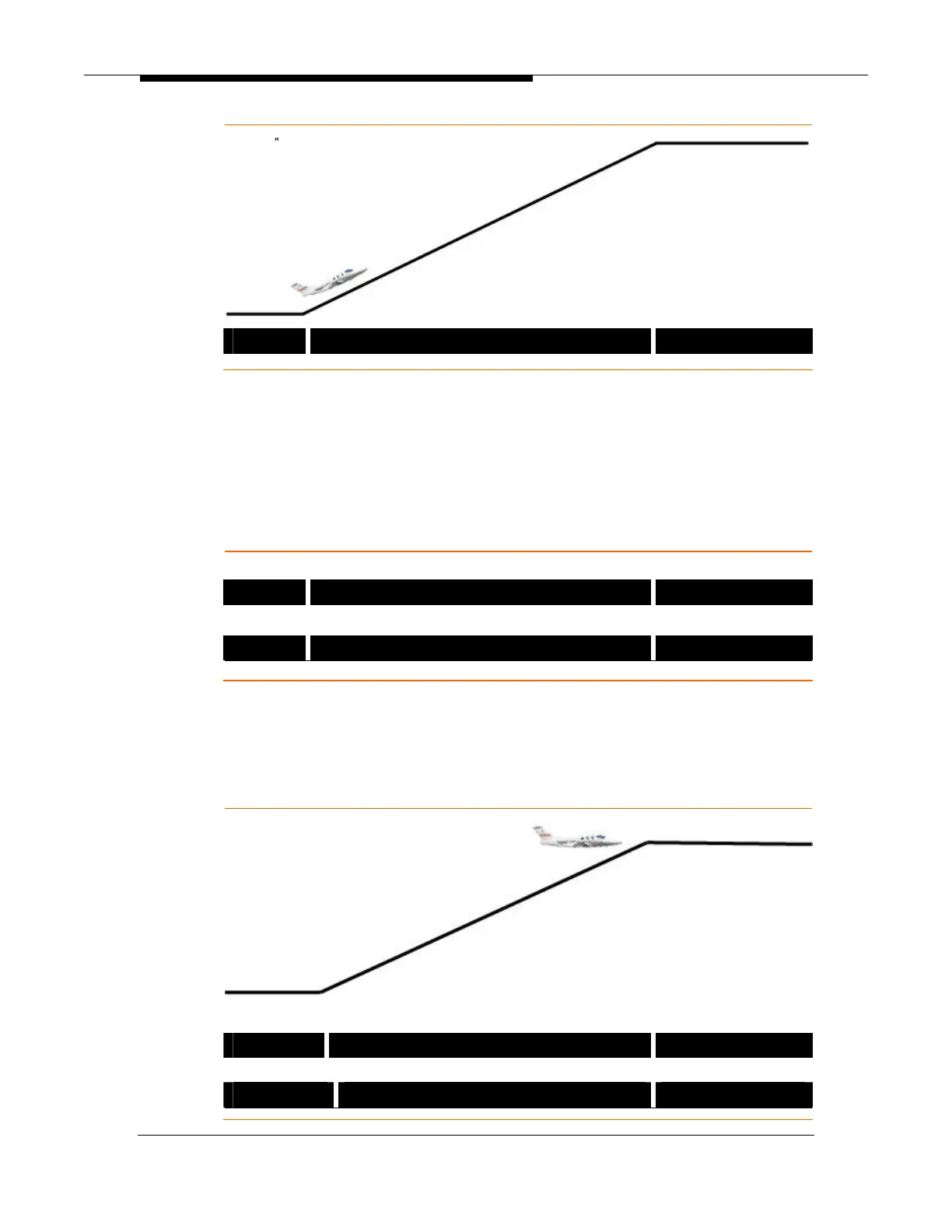
HDG ALT CHG Æ ALT
NAV Mode Activation During Initial Climb
To use the navigation (NAV) lateral autopilot mode, the pilot must first select the
desired navigation source on the PFD. When the NAV button is pressed on the
autopilot control panel the selected source will become armed and will become
active when selected navigation mode is captured. To ensure that the NAV mode
becomes active, the pilot must ensure that the aircraft’s current heading will allow
the navigation source to be captured otherwise the heading should be adjusted
so an appropriate intercept can be made.
VOR Navigation Selected on PFD and ARMED
HDG Æ VOR ALT CHG Æ ALT
VOR Navigation Selected on PFD and Active
VOR ALT CHG Æ ALT
Aircraft Asked to Hold Current Altitude During Climb
While climbing in ALT CHG Mode, the pilot may press the ALT button to cancel
active climb and hold the current aircraft altitude. When ALT is pressed, ALT CAP
appears as the active pitch mode, with ALT as the armed mode. The aircraft will
then progressively capture the newly assigned altitude and then track that
altitude until another mode is selected or resumed.
ALT Button Pressed and Altitude Capture In-Progress
VOR ALT CAP Æ ALT
ALT Button Pressed and Altitude Has Been Captured
VOR ALT



 To Next Page