Section 16. Autoflight Eclipse 5OO Systems Manual
Copyright © — Eclipse Aviation Corporation
Version 2.0 April 2007 429
ALT CHG Activated as in a Descent
VOR ALT CHG Æ ALT
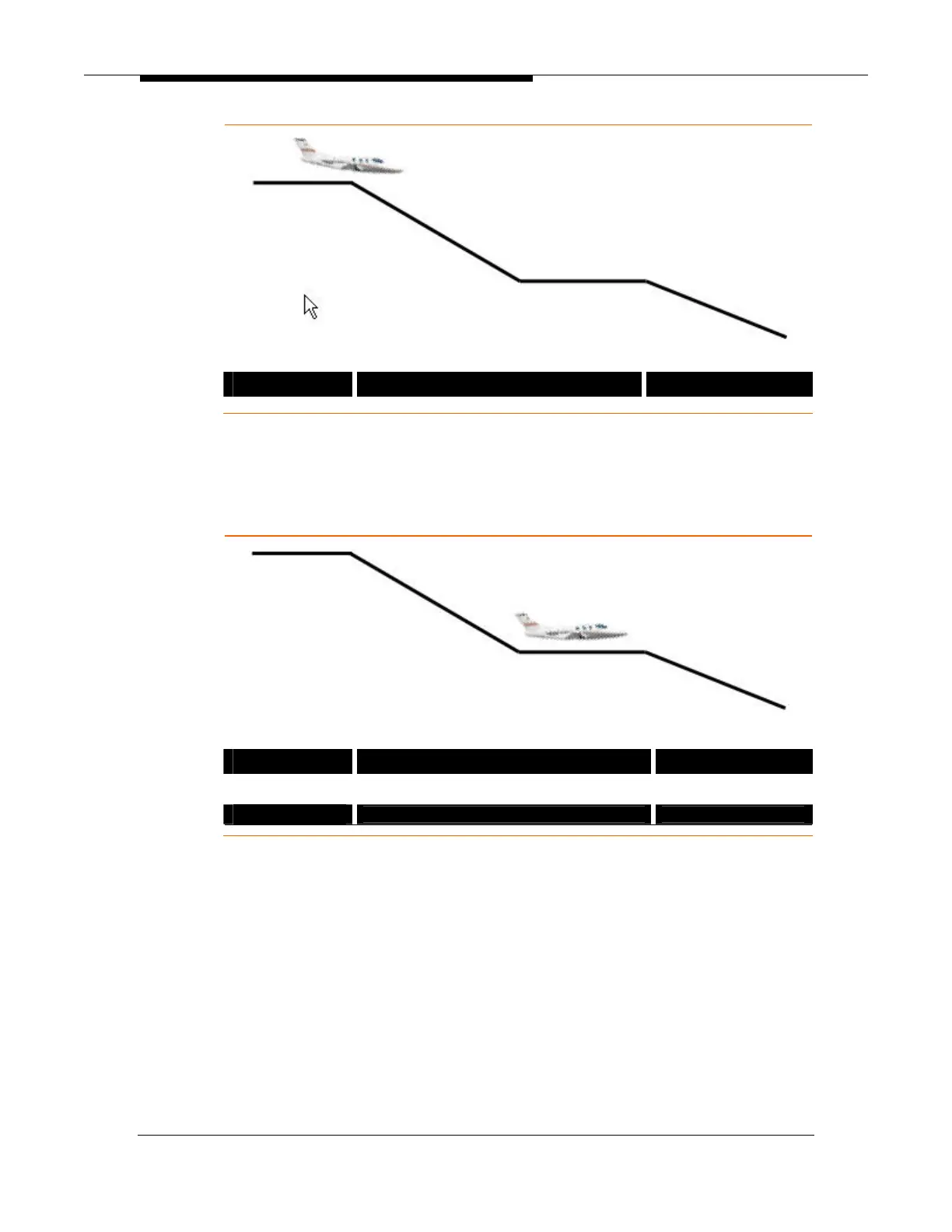
Leveling Off Mid-Descent
To level off during descent press the ALT button to capture and hold the aircraft’s
current altitude.
Level off Altitude Capture In-Progress
VOR ALT CAP Æ ALT
Level Off Altitude Captured
VOR ALT
Descent Continued From Level-off
To continue the descent from an intermediate level off the pilot need only press
the ALT CHG button. This will resume the descent to the previously selected
altitude. If this altitude needs to be changed the ALT-SEL knob can be used to
select the new altitude target.



 To Next Page