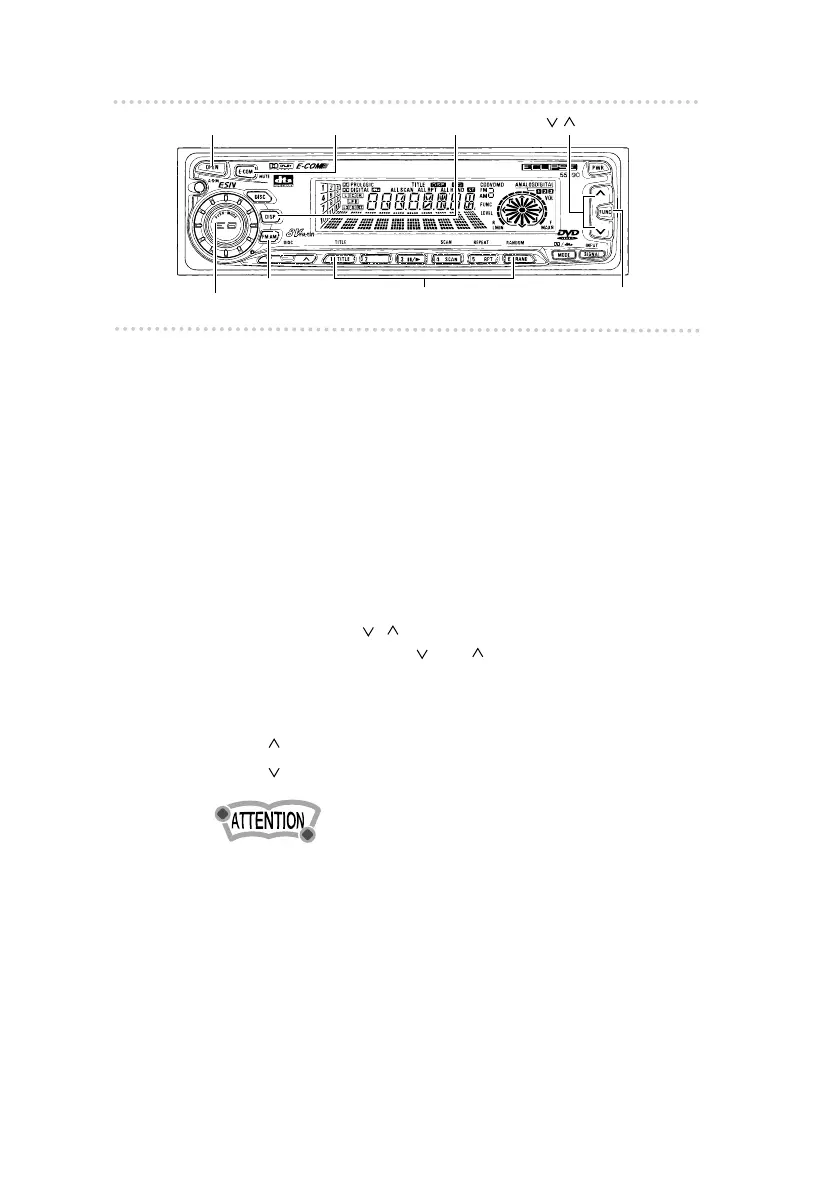
Basic operation
2424
n Listening to the tuner
1 .
Press the [FM•AM] button.
This will turn the tuner on.
To turn the tuner off, either press the [PWR] button or
select another mode.
2 .
Tap the [FM•AM] button to switch to the
desired FM or AM bands.
Each additional tap of the button switches the preset
station sets from FM1 to FM2, FM3, then AM in
sequence.
3 .
Press the [ ] button to tune to a station.
A tap on either the [ ]
or
[ ] button for less than one
second will enable manual station tuning. Hold one
button down for more than two seconds to start the
automatic station search.
[ ] button: Starts searching toward higher frequencies.
[ ] button: Starts searching toward lower frequencies.
•
If stations have been stored in memory, pressing a button
from [1] to [6] will directly select a station. (Refer to the
section “Manually setting stations into memory” on page 62.)
[DISP] button
[FUNC] button
[ ] button
[AUDIO CONTROL] button
[FM•AM] button
[E-COM] button[OPEN] button
Buttons [1] to [6]



 To Next Page