37
How to operate the DVD player
37
n Displaying title menus
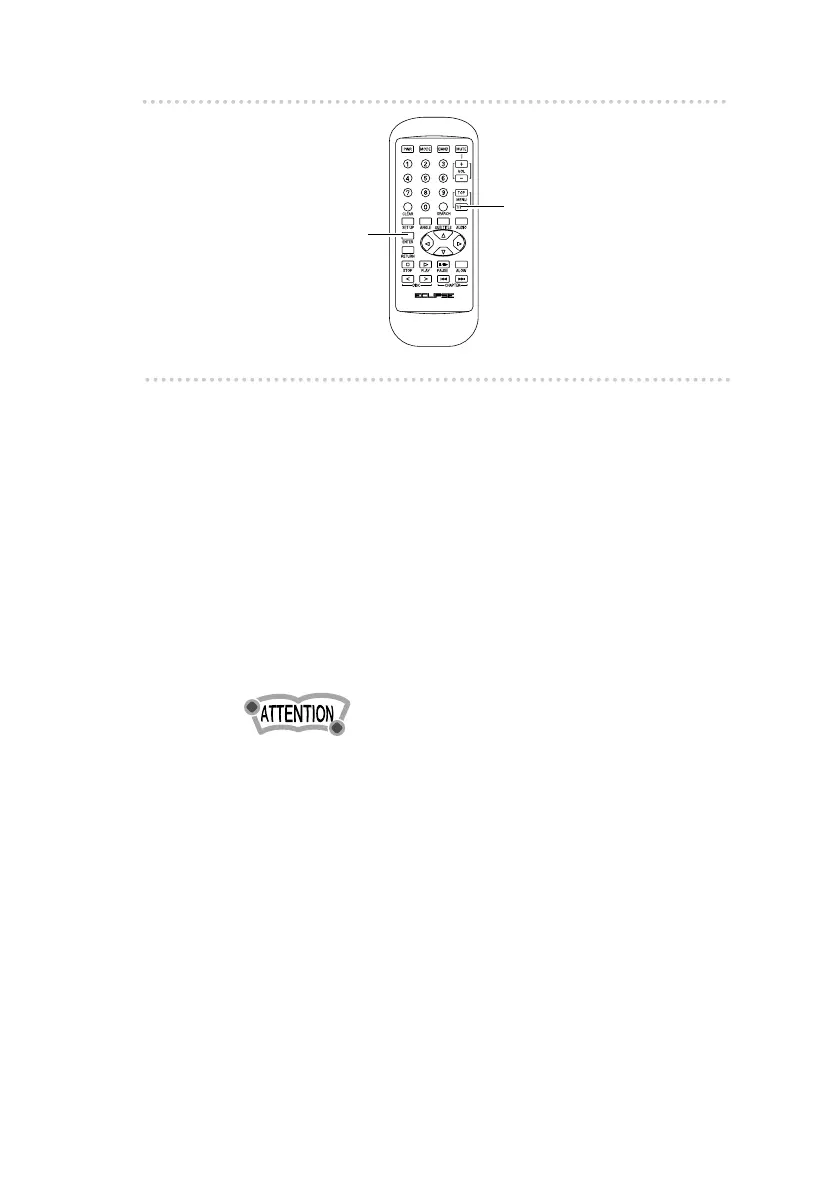
If the [TITLE] button is pressed during DVD-Video playback,
the title menu which is recorded on the DVD disc can be
displayed on the screen (if using a DVD disc which has a title
menu recorded).
1 .
Press the [TITLE] button.
The title menu will turn on and off each time the
button is pressed.
[TITLE MENU ON (OFF)] will appear in the display.
2 .
Use the cursor buttons to select an item,
and then press the [ENTER] button.
•If a button is pressed while the title menu screen is being
displayed, playback will restart from the point immediately
prior to when the menu was displayed.
[ENTER] button
[TITLE] button



 To Next Page