33
How to operate the DVD player
33
n
Fast-forwarding and rewinding pictures
1 .
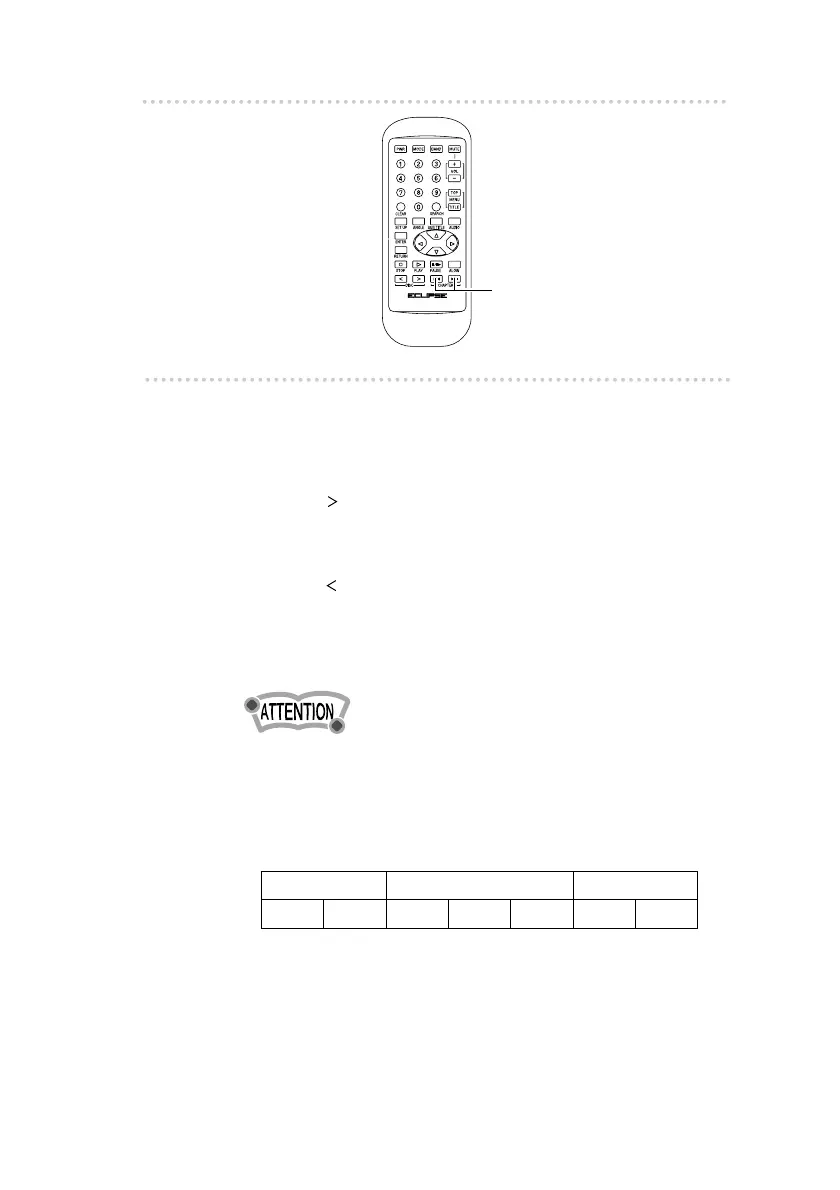
Press the [CHAPTER] buttons.
The mode changes between tuner and disc modes
[ ] : When pressed and released immediately, the
picture moves to the next chapter.
When pressed and held (for one second or
more), the pictures are fast-forwarded.
[ ] : When pressed and released immediately, the
picture moves to the beginning of the current
chapter.
When pressed and held (for one second or
more), the pictures are rewound.
•The contents of DVDs are separated into large sections
called titles, and small sub-sections called chapters.
Numbers are assigned to each of the titles and chapters,
and these numbers can be used to search within the
contents of the disc.
Title 1 Title 2 Title 3
Chapter 1 Chapter 2 Chapter 1 Chapter 2 Chapter 3 Chapter 1 Chapter 2
[CHAPTER] button



 To Next Page