53
How to operate the CD player
u
How to operate the CD player
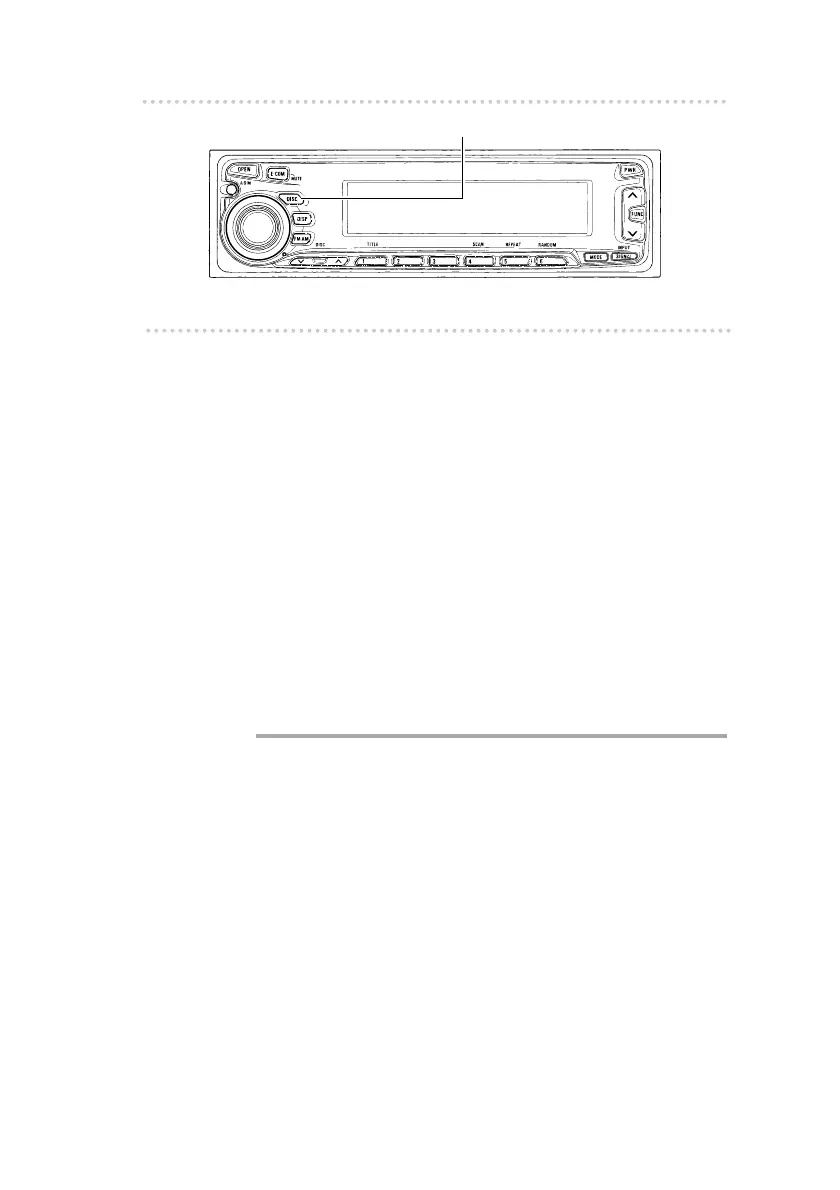
First press the [DISC] button to switch to the disc mode. It is
assumed here that a CD has already been loaded into the
unit.
n Listening to CDs
1 .
Press the [DISC] button.
This turns on the disc mode and starts CD play.
If an external CD changer is connected, each additional
tap of the button will switch modes from DVD(CD) player
CD changer 1 CD changer 2.
A changer or player with no discs loaded will be
skipped.
l
Caution
l
•Playback may be intermittent when there is a scratch on a
CD or when the recorded side is dirty.
•Only two external CD changers may be connected.
[DISC] button



 To Next Page