Basic operation
2828
t Enabling the loudness control
The loudness control may be turned on to emphasize low
and high frequencies at low volume levels.
Loudness compensates for the apparent weakness of low
and high frequencies at low volume by boosting the bass
and treble levels.
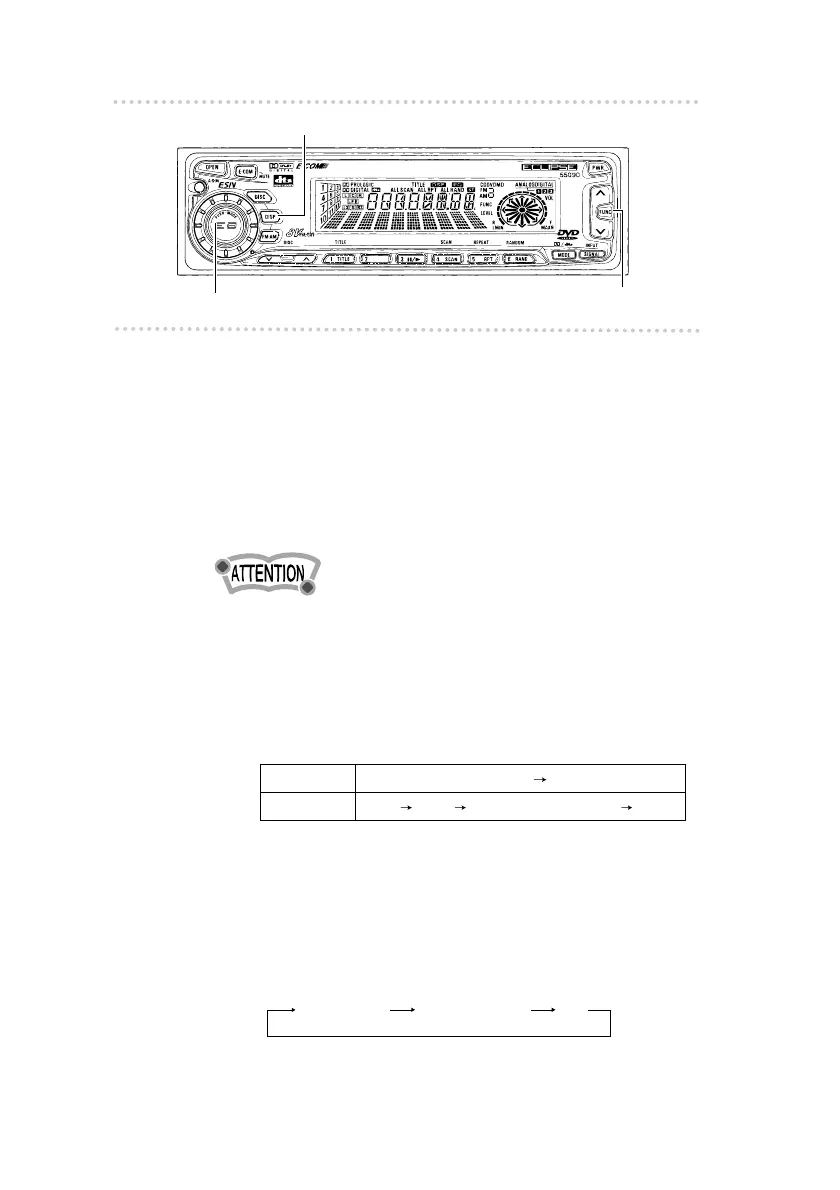
1. Press and hold the [AUDIO CONTROL] button until
the [LOUD ON] display appears on the screen.
•To disable the loudness feature, repeat the above
procedure to display the [LOUD OFF] indication.
t Switching the display
1 . Press the [DISP] button for less than one second.
Changes the mode as follows.
t Turning the display ON and OFF
1 . Press the [FUNC] button.
2 . Press the [DISP] button.
The display setting will change as follows each time the
button is pressed.
Full display Partial display Off
Tuner/DVD Mode
the spectrum analyzer mode the clock
the title CD text the spectrum analyzer mode the clock
CDP Mode
[AUDIO CONTROL] button
[DISP] button
[FUNC] button



 To Next Page