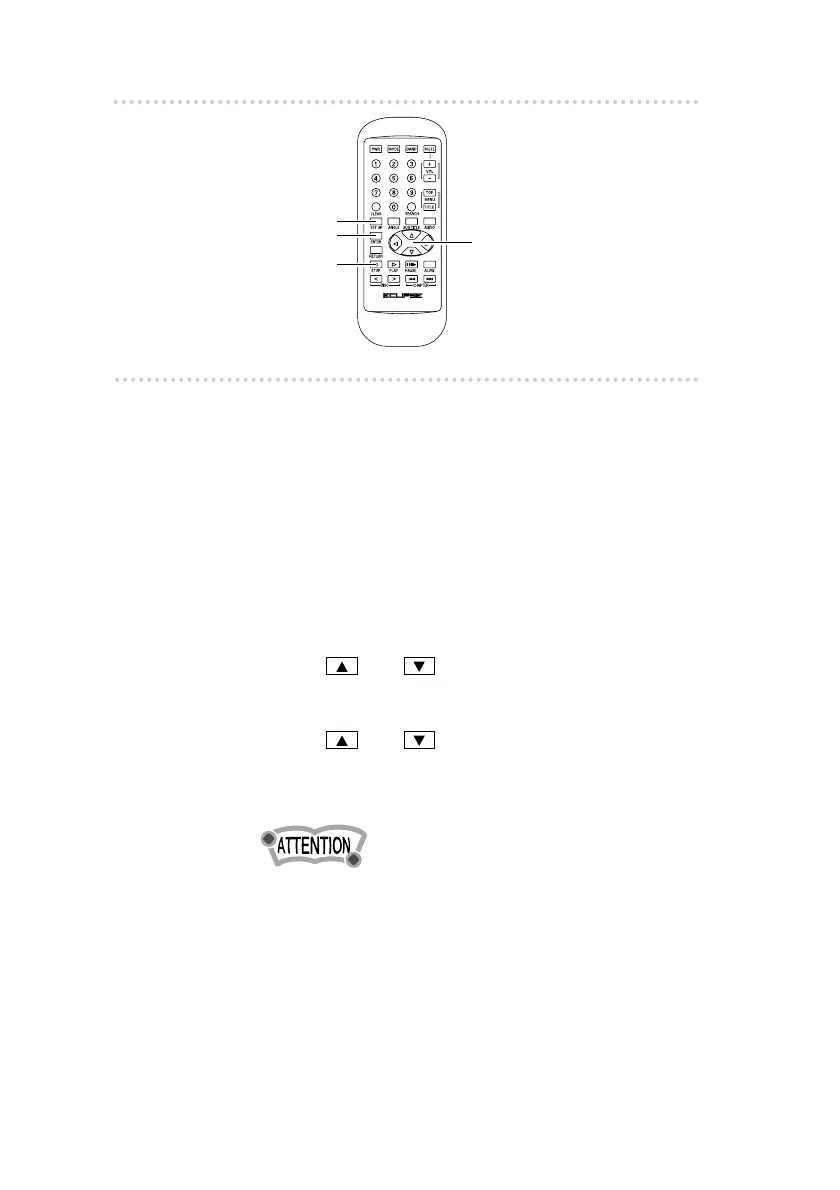
How to operate the DVD player
4040
n Initial DVD settings
When a DVD is being played back, press the [STOP] button on
the remote control to stop playback.
1 .
Press the [SET UP] button.
The player will change to DVD setting mode.
The following operations should be carried out after
setting the player to DVD mode.
t Language setting
This sets the languages to be used for audio tracks,
subtitles and menu displays.
1 . Use the and cursor buttons on the remote
control to select AUDIO, SUBTITLE or MENU
LANGUAGE, and then press the [ENTER] button.
2 . Use the and cursor buttons on the remote
control to select the language, and then press the
[ENTER] button. The selected language will be
displayed.
•If you select "OTHER", use the numeric input keys on
the remote control to enter the code number for the
desired language, while referring to the table of
language codes on page 50.
[SET UP] button
[ENTER] button
[STOP] button
Cursor button



 To Next Page