41
How to operate the DVD player
41
3 . Press the [SET UP] button.
DVD setting mode will be cleared.
•You cannot select languages which have not been
recorded on the disc.
•If there is no menu recorded on the disc, no menu
display will appear.
t Display size setting
1 . Use the and cursor buttons on the remote
control to select TV SCREEN, and then press the
[ENTER] button.
2 . Use the and cursor buttons on the remote
control to select the display size, and then press
the [ENTER] button. The screen display will change
to the size selected.
3 . Press the [SET UP] button.
DVD setting mode will be cleared.
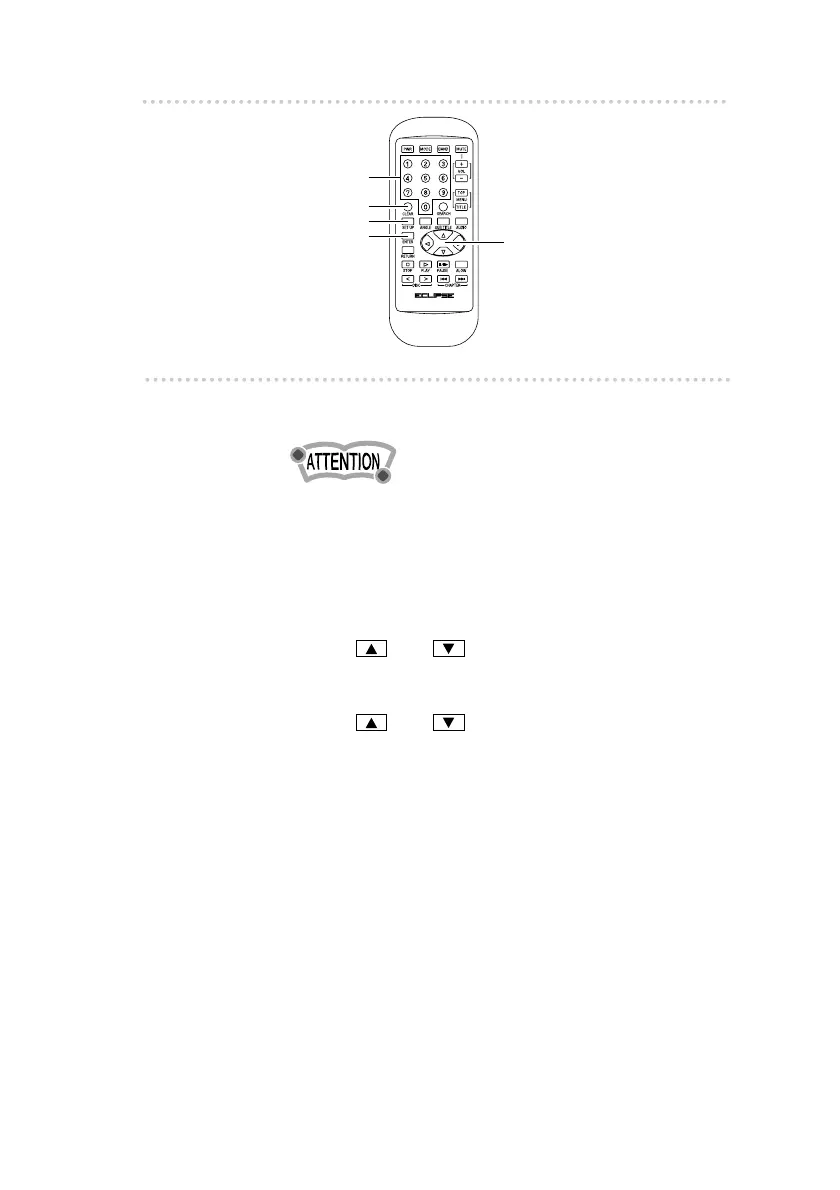
Numeric input buttons
[CLEAR] button
[SET UP] button
[ENTER] button
Cursor buttons



 To Next Page