35
How to operate the DVD player
35
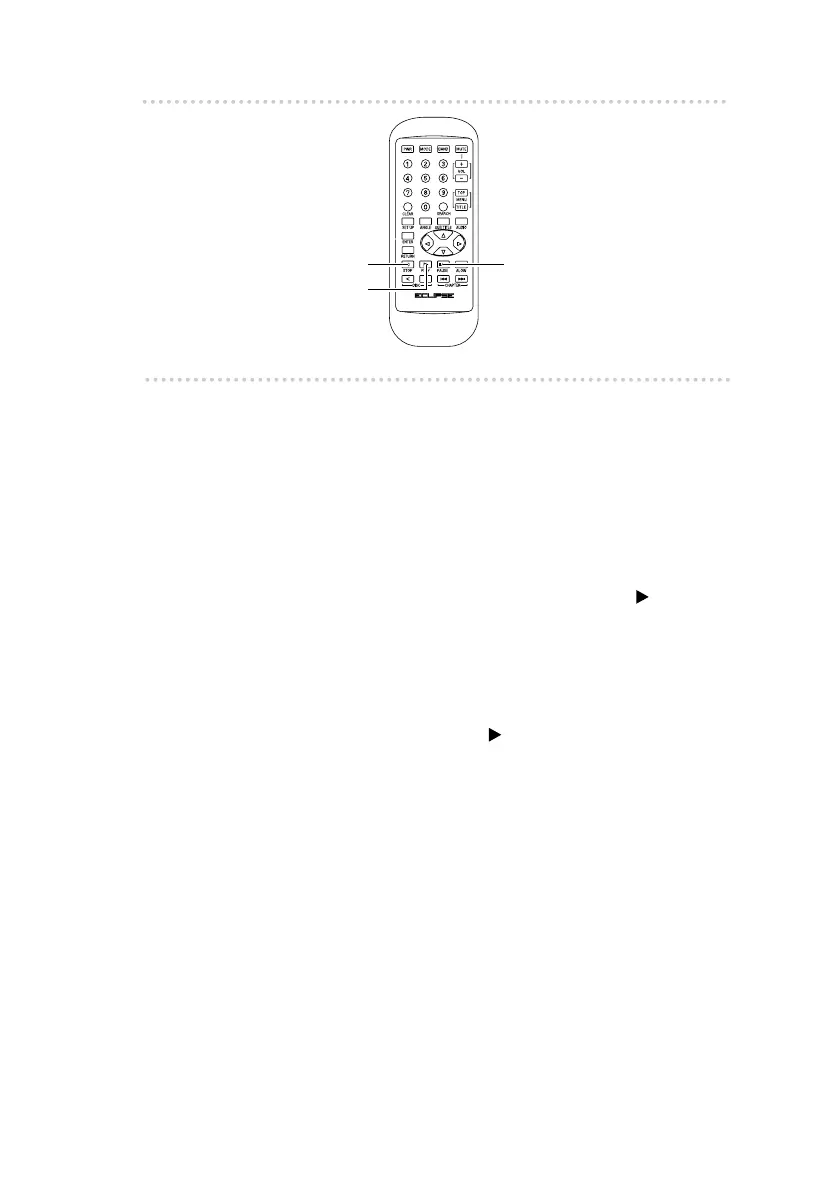
n Pausing the picture/Frame-by-frame
playback
1 .
Press the [PAUSE] button.
The picture playback will pause.
If you press the [PAUSE] button while the picture is
paused, the picture will play back one frame at a
time.
To return to normal playback, press the [ (PLAY)]
button.
n Stopping playback
1 .
Press the [STOP] button.
If you then press the [ (PLAY)] button, playback will
resume from the point where it was stopped.
[STOP] button
[PLAY] button
[PAUSE] button



 To Next Page