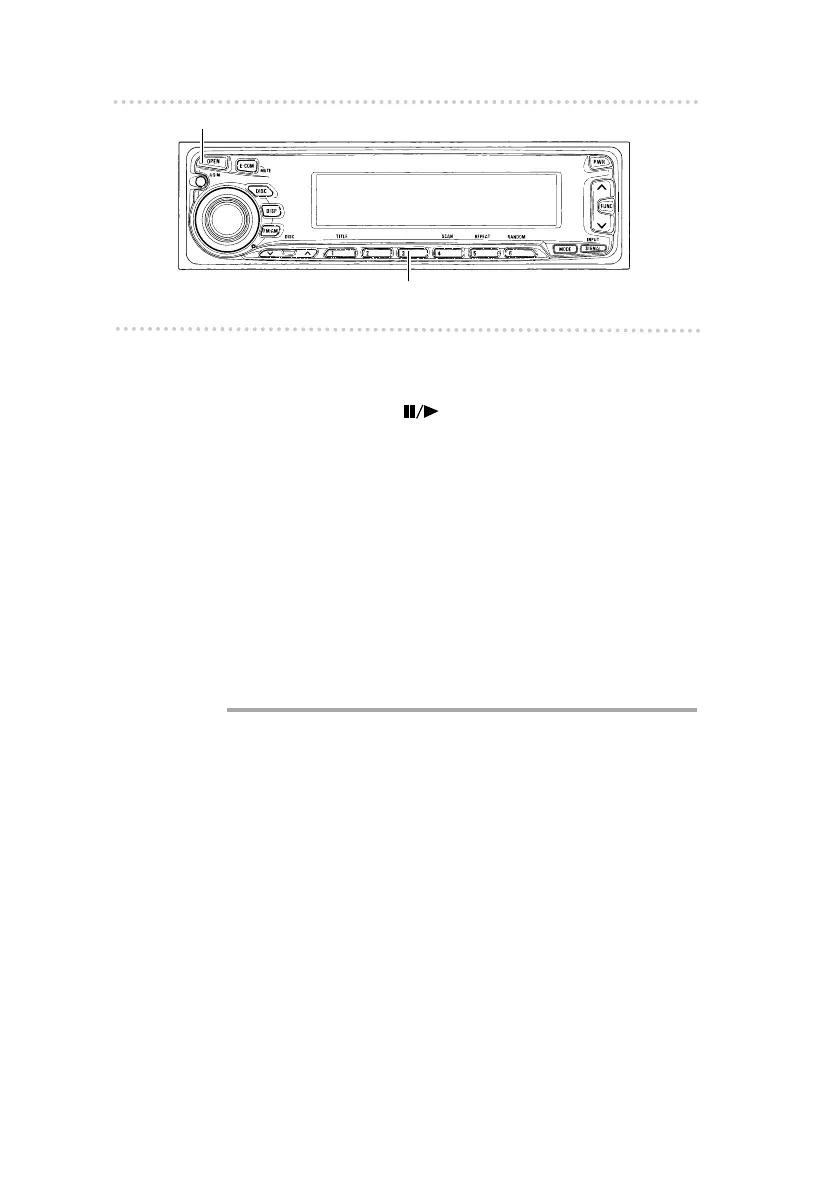
How to operate the CD player
56
n Switching a CD to pause / play
1 .
Push button [3( )].
It pauses playing a CD.
To cancel, press button [3] again.
n Ejecting the disc
1 .
Press the [OPEN] button.
The front panel opens and the disc ejects.
2 .
Remove the disc and press the [OPEN] button.
The front panel closes.
l
Caution
l
•If the front panel is closed while the ejected disc is still in
the slot, the disc may get scratched. Be sure to close the
front panel after removing the disc.
•Do not drive with the front panel open. The panel may
cause unexpected personal injury during a panic stop, or
the like.
•Do not attempt to close the front panel by hand. Doing so
may damage the panel.
[OPEN] button
Button [3]



 To Next Page